
04 · REACH FIT
Desk accessories
Choose laptop stands, footrests, converters and cable management for a home desk. Check footprints, support heights and moving clearances first.
Updated November 2026
A good place to begin
What are you working on?
Choose the situation closest to yours, or browse the full guide collection below.
Raise your laptop
Compare stand footprints, screen position and room for separate inputs.
Read the guide Buying guideMake space for a footrest
Check support height, floor grip and clearance around the chair wheels.
Read the guide Setup guideRoute cables without drilling
Plan trays, clips and removable routes around the equipment you use.
Read the guideFeatured · Buying guide
Laptop stands for small desks
Compare a fixed aluminium laptop stand with a folding riser. Check open laptop depth, input devices, vents and cable clearance before choosing.
Read the guide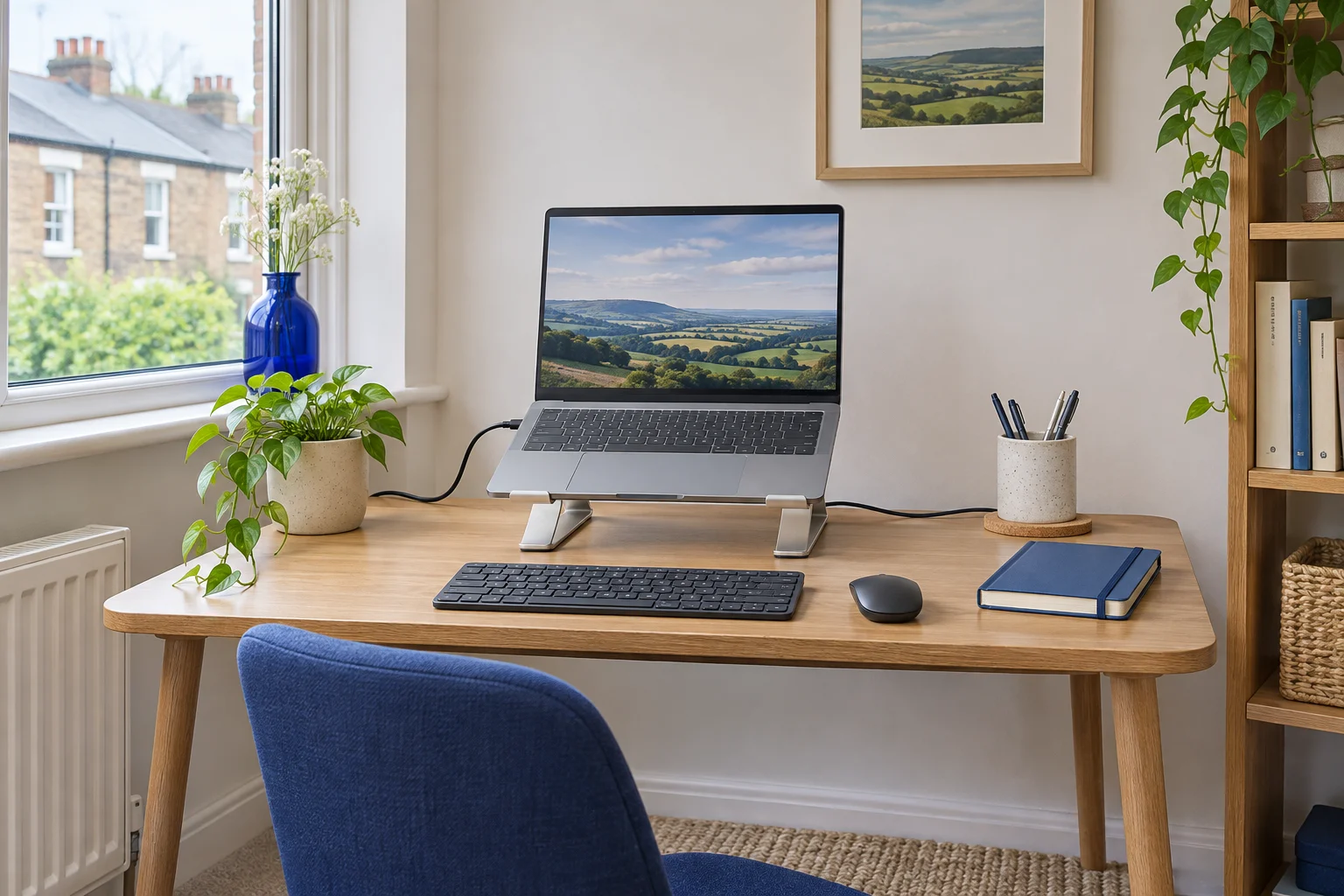
Before you choose
Make the small pieces work.
Keep room for typing
Lay out your keyboard and mouse alongside the stand or converter before choosing a size.
Check the floor space
Make sure a footrest fits between the desk frame and chair castors without crowding your feet.
Move before routing
Move the screen or desk through its full travel before fixing cables, leaving a relaxed loop at moving joints.
Browse by task
Desk accessory guides
17 guides, organised to help you choose, measure and set up your space.
17 guides shown
Screens and keyboards
Plan the base, raised position and input space before adding another platform.
Laptop stands for small desks
Read the guide Buying guideFolding laptop stands for travel and shared desks
Read the guide Buying guideVertical laptop stands for small desks
Read the guide Buying guideMonitor risers for shallow desks
Read the guide Buying guideClamp-on keyboard trays for home desks
Read the guide Buying guideDesk pads for small worktops
Read the guideFeet and standing setups
Compare support height and clearance above and below the worktop.
Cable management
Keep connectors accessible and leave room for equipment to move.
Under-desk cable trays
Read the guide How-toCable management without drilling
Read the guide Buying guideCable sleeves for sit–stand desks
Read the guide Buying guideCable spines for standing desks
Read the guide How-toHow to fit a monitor arm and cable tray on the same edge
Read the guide How-toHow to route cables around desk drawers
Read the guidePractical advice
Laptop stands and converters
If a laptop stand raises the keyboard out of reach, plan room for a separate keyboard and mouse. Check that the stand’s front lip and contact points suit your laptop. For a desk converter, measure both the base and the footprint when raised, including the keyboard tray. Compare laptop stands separately from standing desk converters.
Footrests and floor space
Measure the height you need with the chair at your working position. Then check the footrest will fit between the castors and desk frame. A footrest that slides away or crowds your feet will be harder to use throughout the day. Start with footrest fit, or use the wheel-clearance checks if the chair catches it.
Route cables after moving the equipment
Plug everything in and move the screen, chair or desk through its usual range before fixing the cables down. Keep connectors accessible, leave a relaxed loop where a part moves, and check that a cable tray will clear the chair, desk frame and monitor clamp. The no-drill cable guide covers removable routes; the arm-and-tray guide checks a shared edge.
See monitor arms if the screen stand takes up most of your desk, or small-room setups for layouts you can pack away.
Common questions
Common accessory questions
What should I check before buying a laptop stand?
Measure its base, raised position and front lip, then allow room for a separate keyboard and mouse. Check the laptop size, load and ventilation requirements.
How much room does a footrest need?
Compare its footprint with the space between desk supports and the chair’s castor path. Trial the position so it supports your feet without blocking movement.
When should I secure cables to a moving desk or arm?
Check the full intended travel first. Leave relaxed loops at moving joints and make sure leads do not pull on plugs at either extreme.
Can a cable tray and monitor arm use the same desk edge?
Map their clamp or fixing areas above and below the top. Include the arm’s movement and cable loops, then confirm the desktop permits both attachments.
Will a desk converter fit any worktop deep enough for its base?
Check the maker’s support and overhang requirements, keyboard tray, screen position and complete movement. The base footprint is only one part of the space it needs.