
Set the chair, keys and screen first
Set the chair for supported feet and measure a comfortable key height with relaxed shoulders. Repeat standing in normal footwear. Subtract the keyboard’s height from each reading to estimate the worktop targets. Try the positions during your usual tasks before saving them. Set screen height and viewing distance separately.
Measure the top from the same floor point each time. A handset display may use a configured offset or a different reference. Compare the displayed value with a tape measurement and use the model’s instructions if the display needs calibration. Keep the chair and any footrest in their normal positions when recording the seated setting.
Four saved positions on the selected E1 Plus
The selected white 100 × 60 cm FlexiSpot E1 Plus listing describes four programmable memory positions. Its listed worktop range is 73.5–118 cm. Check whether the seated minimum reaches your target before relying on presets to solve the fit. Read the instructions for the actual handset supplied.
A one-piece top
FlexiSpot E1 Plus 100 × 60
The 100 × 60 cm E1 Plus version pairs a single-piece white top with four memory settings.
The seller’s height range starts at 73.5 cm. Match that minimum to your seated keyboard target and confirm the assembled floor-to-top range if you are close to either limit.
- 100 × 60 cm top
- 73.5–118 cm listed height
- Four presets
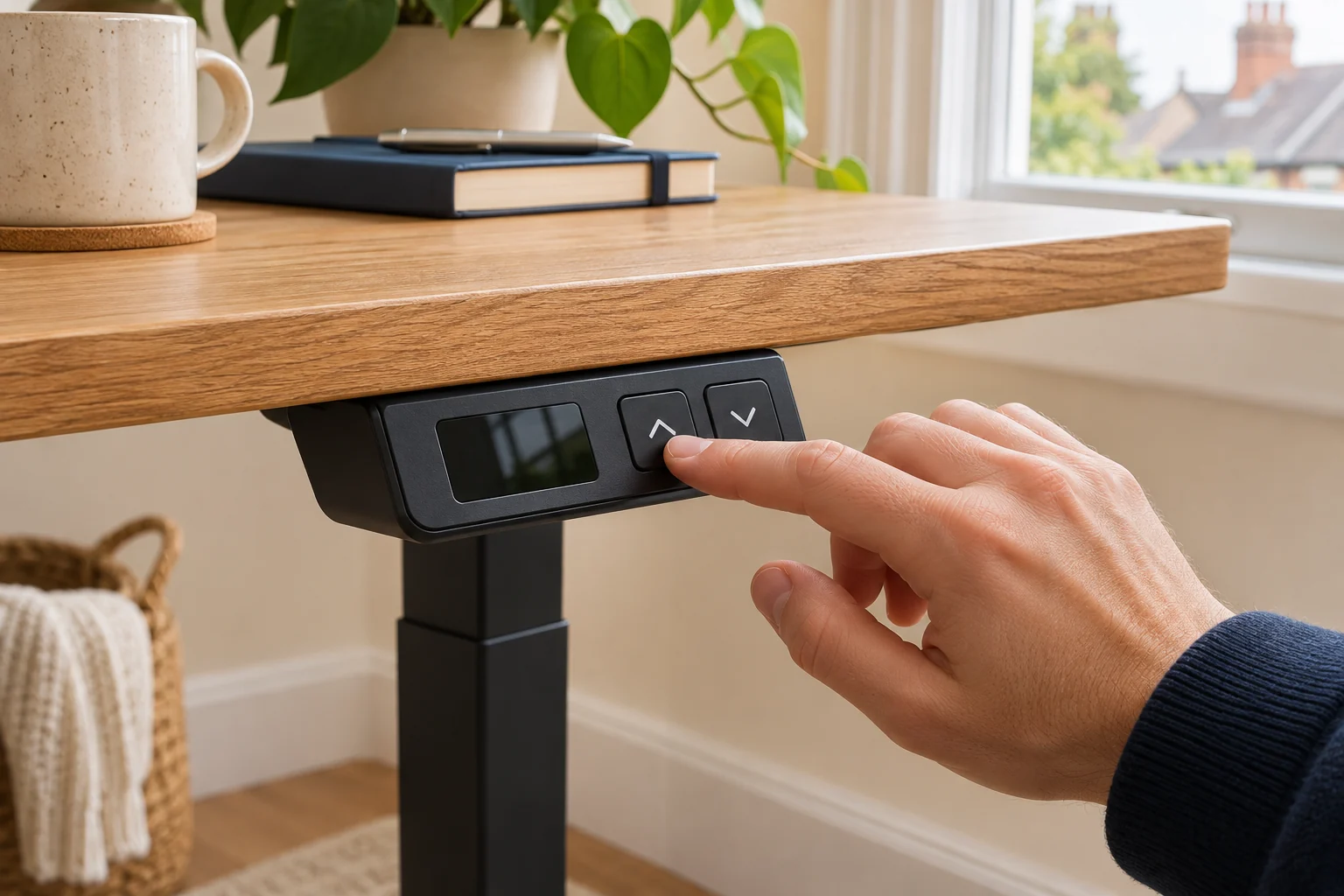
Move the desk to the chosen position using the manual controls, then use the documented save sequence. Recall the setting and remeasure before assigning the next one. If two people share the desk, write down which position belongs to each person and include their chair and monitor settings.
Three presets on the selected HomePro listing
The selected HomePro bundle describes a touchscreen controller with three memory presets and USB/USB-C charging. Desktronic’s handset manuals cover settings such as movement mode and travel limits, but the available controls can differ by revision. Match the panel and manual before using a save, lock or reset sequence.
For a wider height range
Desktronic HomePro 140 × 70, grey and walnut
A 140 × 70 cm electric desk with a one-piece 25 mm top and a three-stage frame.
Check the finished height against both users and confirm the supplied revision if a height limit is critical.
- 140 × 70 cm top
- 63.5–128 cm maker range
- Three memory presets
Check whether recalling a height requires holding the button or a single touch on that handset. Keep the whole path visible and clear while it moves. A stored number records a target position. It does not establish that the space around the desk remains clear after furniture or cables have moved.
Review saved heights after the setup changes
Recheck every saved position after adding a keyboard tray, mat, monitor arm or different chair. Measure the highest point of the screen and the lowest part below the top against shelves, windows, drawers and other obstacles. Test the cable route at low, high and intermediate settings.
If the desk shows an error or has lost its position, use the exact manual’s troubleshooting and reset procedure. Check what movement the procedure requires before starting and clear that space. Record your measured targets so they can be restored after a permitted reset. Keep the instructions near the desk if several people use it.
Common questions
How many presets do I need?
Count the seated and standing positions used regularly. Shared desks may need more saved positions or a written measurement for each person.
Should the display match my tape measurement?
Check the handset’s reference and offset. Compare from the same floor point and use the model’s calibration instructions.
Do all desks use the same save sequence?
Use the instructions for the exact handset and revision supplied with your desk.
Can I recall a preset with one touch?
Check the fitted panel’s movement mode and manual. Some settings require continuous contact.
When should I resave the heights?
Recheck after changing the chair, input surface, keyboard, mat or other equipment that affects your working position.
Sources and selection
Sources and Amazon UK listings checked in November 2026. This guide uses published specifications, manufacturer instructions and measurements to take in your own setup. The selected Amazon UK listings supply the product specifications for FlexiSpot E1 Plus 100 × 60.