
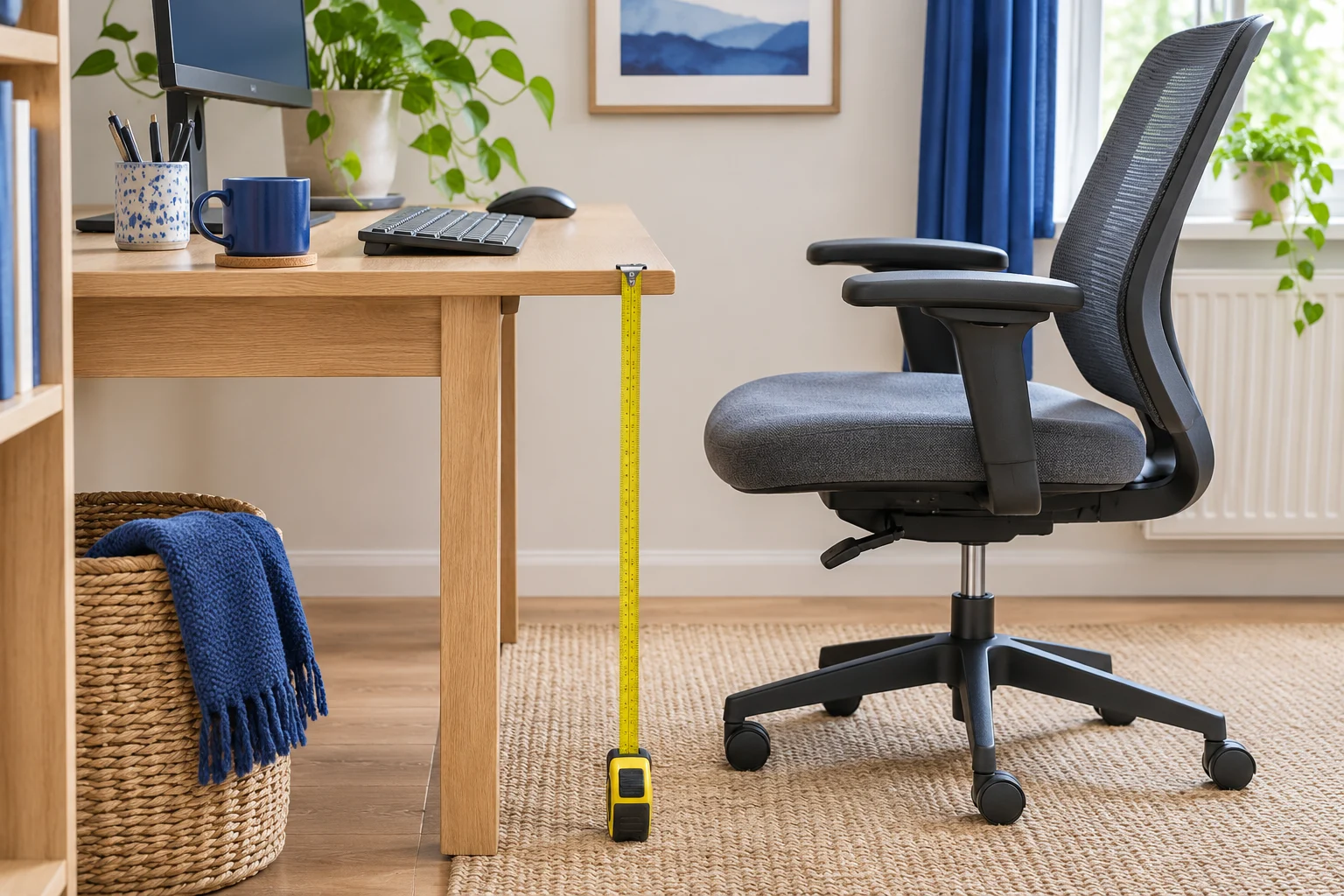
Measure in your working position
A desk’s overall height only tells you where the top sits. The point that matters for typing is where your hands meet the keys. A raised keyboard, a desk mat and a sliding tray can each change that relationship.
Set the chair first. Wear your usual shoes and sit back with your feet resting on the floor or on stable support. Bring the chair close enough that your elbows can stay near your sides. Rest your hands lightly on the keyboard and check whether your shoulders lift or you lean forwards to reach the mouse.
Measure from the floor to the underside of your relaxed elbow. HSE illustrates a standard workstation with the keyboard just below elbow height. Use the measurement to set up a trial, then judge it by how the position feels while you actually type and use the mouse.
Repeat the measurement standing, on the same floor or mat you plan to use. If you switch between shoes and slippers, take both measurements. A thick standing mat can raise you by a different amount from its uncompressed thickness.
Convert keyboard height to worktop height
Measure from the underside of the keyboard or mat to the top of the keys where your fingers rest. Subtract that amount from the key height you found comfortable. If you use a tray, measure its vertical offset from the desk top and add that offset back to find the desk height.
For example, suppose the keys sit comfortably at 69 cm when seated and 105 cm standing. If the keyboard adds 2 cm, the equivalent worktop targets are about 67 cm and 103 cm. Try those figures with your own equipment before treating either as a buying threshold.
Read the manufacturer’s height drawing carefully. A frame-only measurement ends at the point where the top bolts on. Add the actual worktop thickness to both ends of that range. A complete desk listing may already include the top. Check whether it includes levelling feet or optional castors. If the drawing leaves the reference point unclear, ask for a floor-to-top measurement of the version you intend to buy.
A lower listed minimum
FEZIBO 100 × 60, white and oak
This compact white-frame and oak-finish version offers a 72–118 cm listed range and three stored heights.
Check the exact oak-finish option on the listing. Measure the finished worktop and full base footprint if either is close to the space or height available.
- 100 × 60 cm top
- 72–118 cm listed height
- Three presets
For this worked example the FEZIBO listing’s 72 cm minimum would still leave the seated worktop about 5 cm above the trial target. It may fit a different person or an arrangement with a supported higher seat. Check the lower end of the range even when the standing height looks ideal.
Check the space below the keyboard
Measure from the floor to the lowest part your thighs or armrests pass under. A 73 cm top with a 6 cm drawer or front rail can leave 67 cm of opening at that point. Check the true obstruction from your seated position as well as farther back. A tray might lower the keys and take away the thigh room you were counting on.
If your fixed desk sits slightly high, try raising the chair only if you can keep your feet supported and still fit under the desk. Measure the gap from the floor to your soles in that higher position. Our footrest guide shows how to match the gap to a platform.
A rigid tilting platform
Kensington SoleMate Plus
A rigid platform with a foot-operated adjustment suits a seated setup where you want to change the angle without moving the base.
The listed height is about 9–13 cm. Check the outside base on your floor and measure the part of the tilted platform where your feet actually land.
- 8.9–12.7 cm listed height
- Up to 30° tilt
- Foot-operated adjustment
Use chair clearance measurements to check the armrests and castors. If lifting the seat would trap your thighs or keep the chair too far from the desk, look at the surface or keyboard position instead.
Check both settings with the room in use
Raise and lower the desk with the workspace arranged as you will use it. Look below for a pedestal, chair arms or a window ledge. Look above for a shelf, sloping ceiling or monitor arm. Unclip cable ties while working out the route so the leads can move freely. At the highest intended setting, each plug should stay seated and the cable should still have a relaxed bend.
Try the standing position for a short normal task, such as editing a document. Check that you can reach the mouse without bending your wrist around a tray lip and see the screen without tipping your head. Screen height is a separate adjustment from keyboard height.
If you will share the desk, write down the low and high worktop targets for each person and check the complete range. Label presets once everyone has tried them. The compact standing desk guide covers minimum height, floor depth and the space a desk needs as it moves.
Common questions
What is the right desk height for everyone?
Measure the position of the keyboard while you sit or stand comfortably. Chair height, footwear, keyboard thickness and your proportions all affect the worktop height you need.
How do I use a frame-only height range?
Add the worktop thickness to both endpoints and account for any feet or castors excluded from the drawing. Check which reference points the maker used.
Should I raise my chair if the desk is too high?
A small increase can work if your feet have stable support, your thighs still clear the desk and you can reach the keys without lifting your shoulders.
Does a standing desk need to reach elbow height?
Check key height. The worktop may sit below your elbows because the keyboard or tray moves the keys relative to the surface.
Can two people use the same desk presets?
Measure each person separately. A shared preset works only if the resulting keyboard position suits both people. Check the lowest seated setting as well as the tallest standing one.
Sources and selection
Specifications and Amazon UK variants checked in November 2026. The comparisons use published dimensions and fitting guidance.