
The fit comparison
Compare the published fit limits
The published limits apply to each screen. Check the combined load, desk fitting and spacing of the three actual cases.
Scroll across the table for every fit check.
| Model | Screen size | Load | Desk fitting |
|---|---|---|---|
| Duronic DM253 triple monitor mount For a single approved fixing | 13–27″ each | Up to 8 kg each | Desk clamp. Check the underside and combined load. |
| Duronic DM753 freestanding triple mount For three smaller screens | 15–24″ each | Up to 8 kg each | Freestanding. Confirm the base and balance. |
Measure the whole screen arrangement
Start with the screens you will use. Record the housing width, height, bare weight and VESA centre for each one. Draw their front edges on paper at a useful scale. Mark where the VESA centres sit, then add the space you want between the cases. Screen diagonal gives an initial check. The centre-to-centre distances and the back of each screen tell you where the arms need to reach.
Three cases 55 cm wide with two 2 cm gaps take 169 cm when placed straight across. Angling the outer screens can reduce that straight-line width and use more depth. Try the angles on the desk and check the back corners against the wall, lamp and other arms. If the VESA holes are offset, measure from the actual holes to each corner rather than using the midpoint of the housing.
Put your main display in the position you want before fitting the others around it. A shared pole fixes the starting point for all three branches. Work out whether you need a straight row, a shallow arc or an offset centre before choosing the mount.
Duronic DM253 for one approved desk fixing
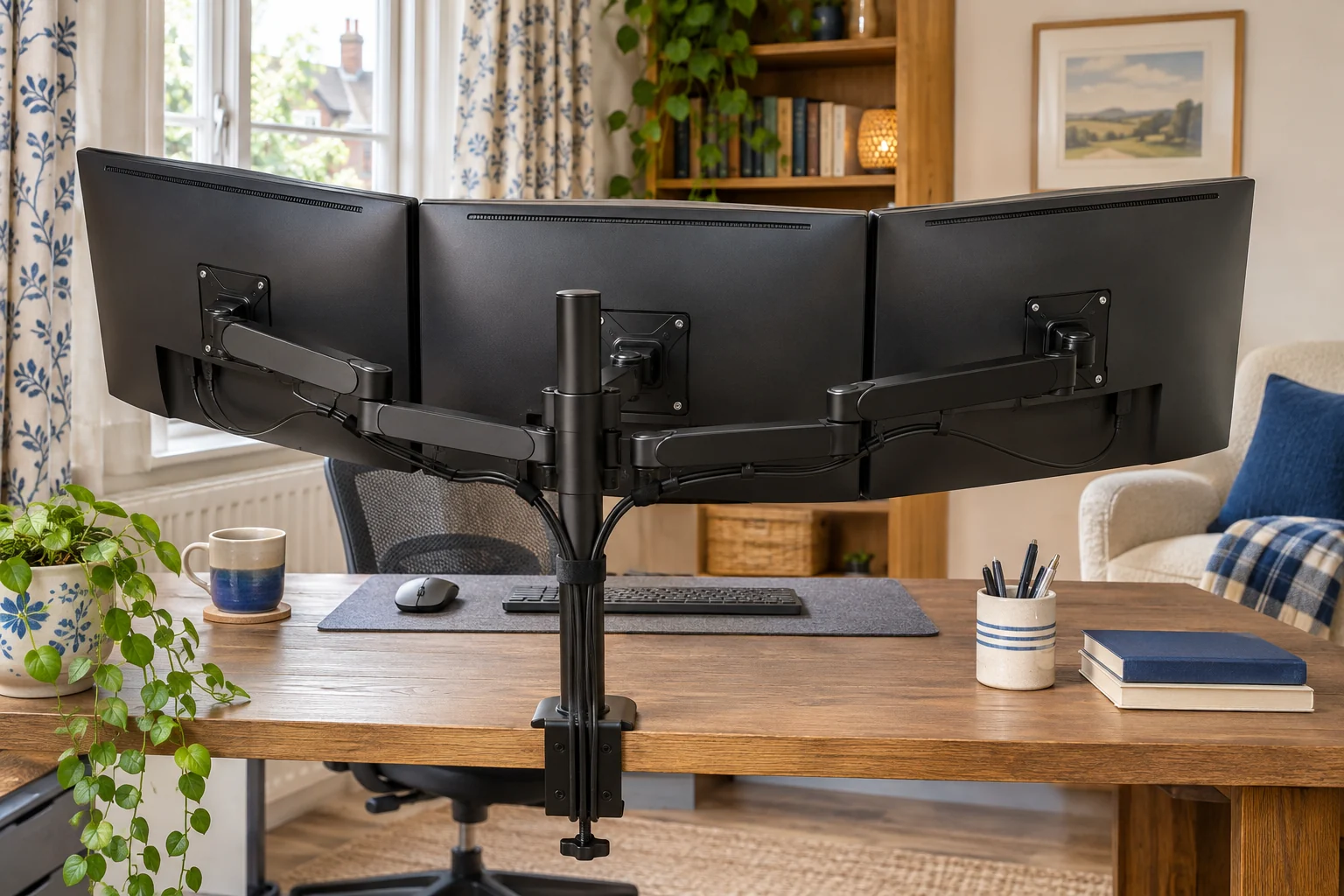
The DM253 is listed for three 13–27 inch displays up to 8 kg each. Two 33 cm side arms and one 8 cm centre arm give the outer screens more reach. The centre stays closer to the pole. Check the individual lengths and usable positions rather than assuming each branch has the same travel.
For a single approved fixing
Duronic DM253 triple monitor mount
The DM253 uses one desk fixing with two longer side arms and a short centre arm.
Check all three screen widths, the arm positions and whether the desk maker approves the load at the clamp.
- 13–27″ per screen
- Up to 8 kg per screen
- Two 33 cm arms, one 8 cm arm
Add the three monitor weights and any fittings that the mount will carry. If they weigh 5, 6 and 6 kg, the desk carries 17 kg of screens plus the mount and fittings. The screen limits apply to each branch. Confirm that the desk maker approves the whole load and the clamp location. A reinforcement plate cannot replace that approval.
Duronic DM753 when an edge clamp cannot fit
The freestanding DM753 supports three 15–24 inch displays up to 8 kg each, according to Duronic. It leaves the rear edge free, with the weight carried by the base on the worktop. Check the base footprint for the actual version and confirm the surface can support it flat, clear of a raised lip or bevel.
For three smaller screens
Duronic DM753 freestanding triple mount
A freestanding base carries three smaller screens without an edge clamp.
Check the exact base footprint, screen sweep and loading sequence. All feet must sit on a stable surface.
- 15–24″ per screen
- Up to 8 kg per screen
- Freestanding base
Follow the maker’s order for loading and adjusting the screens. Moving a loaded side screen changes the balance of a freestanding setup. Use only approved arrangements, and check whether the base and screen position leave room for the keyboard and plugs.
Trial the layout and cable reach
With the screens installed as directed, check the approved motion with help if needed. Verify that the rear plugs clear the arm heads and that the leads reach all working positions without pulling. Keep some access to the centre screen’s connections. If the single mount cannot give the positions you need, compare separate arms or a stacked layout against the same footprint.
Common questions
Can I use three different monitor sizes?
Check the size, load and VESA pattern for each branch and draw the actual outside widths together.
Is 8 kg per screen the desk’s load limit?
No. Check the three individual limits and the desk’s approval for the total mount, equipment and fixing.
How wide is a three-screen setup?
Add the case widths and gaps for a straight row. Mark rear clearance separately if you angle the side screens.
What if I cannot clamp to the desk?
A freestanding triple mount can work if the base fits and the desk supports the complete load in an approved layout.
Does a triple mount suit three 27-inch screens?
Some models list that diagonal, but check the actual case width, centre positions and range of each branch.
Sources and selection
Sources and Amazon UK listings checked in November 2026. This guide uses published specifications and fitting guidance. The DM753 selection is the freestanding version on the linked Amazon UK listing.