
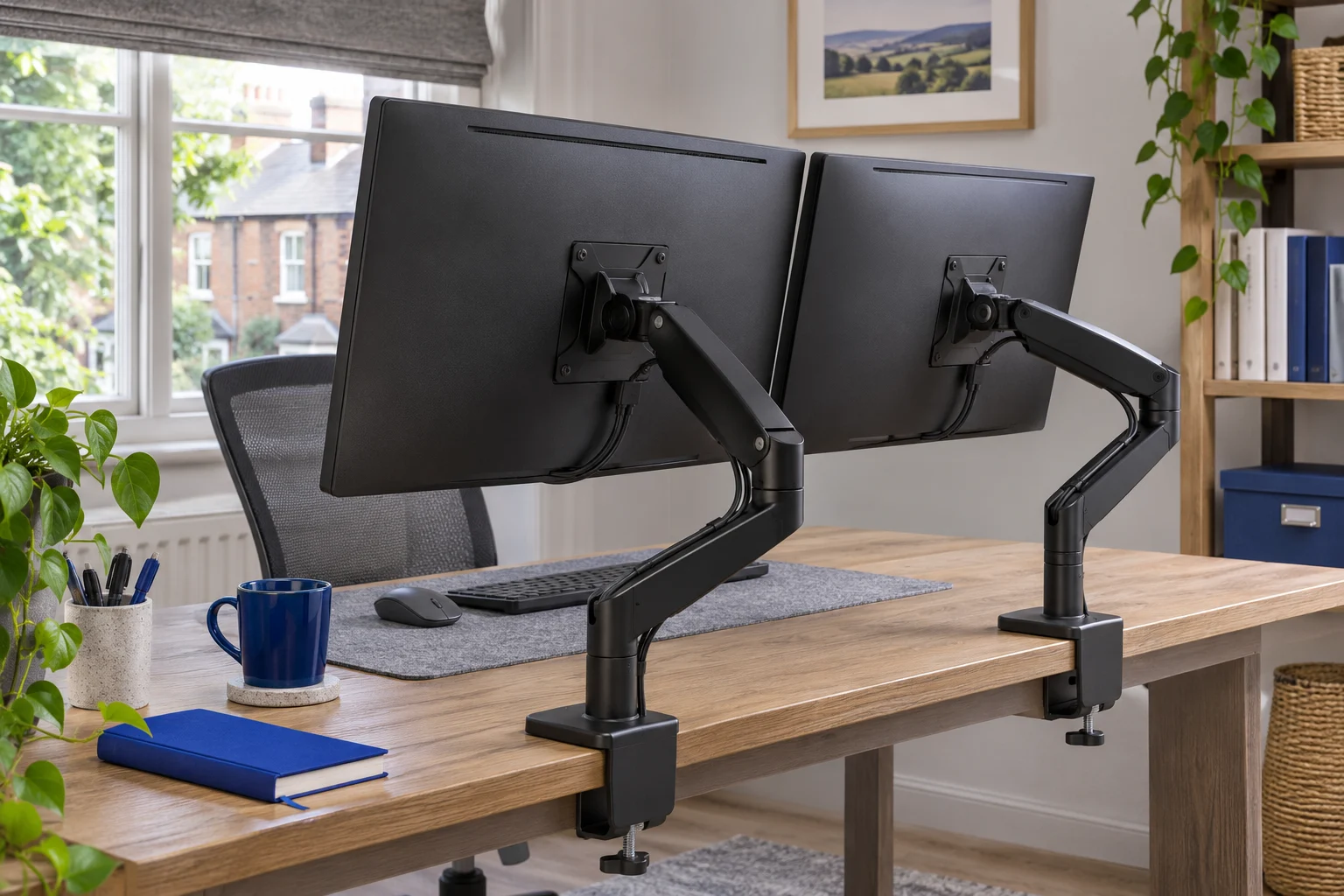
The useful difference is independent base placement
Two single arms let you choose a different base position for each screen. One dual mount brings both branches back to a shared attachment. That difference is often more important than the number of moving joints or the appearance of the finished desk.
Start with the screens where you want to use them. Keep the main display in front of your working position, then place the secondary display according to how often you read it. Mark each screen face and mounting centre. Work backwards to attachment positions that the desk can accept, rather than starting with a central clamp and forcing both screens to reach it.
Scroll across to compare every column.
| Your layout | Start by comparing | What could change the answer |
|---|---|---|
| Similar screens, one sound central fixing | One dual mount | Elbows may need more rear space than expected |
| Different screen sizes or mounting heights | Two independently moving singles or a flexible dual | Check whether both heads reach the actual centre heights |
| Rear rail blocks the centre of the desk | Two approved offset positions | Both new positions still need full clamp contact |
| One very heavy display and one light display | Separately matched single arms | A dual’s per-arm ranges may not cover both |
| Screens mostly stay at a shared height | A mechanical dual pole | Different VESA offsets can prevent neat alignment |
When two single arms are easier to arrange
Different base positions and different jobs
Separate bases can help when a desk has a central rail obstruction, a corner layout or two screens used at noticeably different angles. You can place one clamp to suit the main screen and another to suit the secondary display, provided each position is structurally approved. This can reduce awkward crossing of the arms behind the displays.
The Invision MX200 is an example for a compatible everyday single screen. If you buy two, each screen must independently meet its size and 2–9 kg load range. Do not assume identical arms are required: a heavy or deeply curved main display may need a different model from a lighter secondary monitor.
An everyday adjustable screen
Invision MX200
The gas-assisted arm suits a single compatible screen you move between tasks. It frees the desk from a broad stand and gives you a choice of edge clamp or through-desk fixing.
A centred clamp can leave the elbow in the way of the wall. Check whether the clamp can sit to one side while keeping the screen centred. Match the fitting diagram to the base supplied.
- 19–32″
- 2–9 kg
- VESA 75 × 75 or 100 × 100 mm
More freedom, more attachments to check
Two clamps need two suitable flat landing areas. They also add the weight and footprint of two separate bases. Check that neither blocks a cable tray, drawer or sit-stand control. Separating the fixings does not automatically make a hollow or otherwise unapproved desktop suitable.
Two singles can make a later upgrade easier because one mount can remain in place while the other changes. That is useful flexibility, but check the current screen first. A stronger replacement spring chosen for a future monitor may not balance today’s lighter display.
When a shared dual mount is the simpler fit
Independent branches from one attachment
The MX400 is an example of a dual with two gas-assisted branches. It allows separate screen positioning while using one desktop attachment. That can be convenient when the desk has one suitable mounting area and both displays sit within a workable reach of it.
Two independently moving screens
Invision MX400
Two gas-assisted arms share one attachment. This is the adjustable option for two compatible everyday screens when each display needs its own position.
Each monitor must weigh 2–9 kg without its stand. Confirm the clamp diagram for the base supplied; the arm sweep and desktop strength matter as much as the thickness.
- 19–32″ each
- 2–9 kg each
- VESA 75 × 75 or 100 × 100 mm
The shared base carries the whole installation, including both screens. Check the exact desktop approval and full mounting contact. A reduced number of clamps is a layout benefit only if that one position is suitable and both elbows have space to fold.
A fixed-height pair is a different choice
The VIVO V002 uses a mechanical crossarm on a pole. It can suit two similar screens that stay at a shared main height. It is not equivalent to two independent gas-assisted arms: the main height adjustment affects the crossarm, so different mounting-hole offsets need particular attention.
Two screens that mostly stay put
VIVO STAND-V002
A shared pole and mechanical crossarm hold two screens without spring tension adjustment. Consider it for a stable side-by-side layout with similar screen heights.
The exact V002 is rated for 13–30 inch screens, up to 22 lb each. The main arm height is shared. Check casing widths against the 737 mm published span and confirm the clamp instructions at the thickness limits.
- 13–30″ each
- Up to 22 lb (about 10 kg) each
- VESA 75 × 75 or 100 × 100 mm
If you want one display in portrait mode, check the entire rotation path and final height. Even a fully rotating head can be blocked by the desk or neighbouring screen. Read our dual-arm buying guide for the per-screen fit and width checks.
A fifteen-minute layout trial before ordering
First, measure both screens: bare weight, VESA pattern, casing width and height, and the location of the holes. Next, inspect the underside of the desk and mark every attachment area the furniture maker permits. Use the clamp-clearance guide to record the space needed below each point.
Now sketch two alternatives on paper: a common base serving both mounting centres, and separate bases serving one each. Check the arm makers’ reach, swivel and height information against both sketches. Maximum reach alone cannot prove a joint can fold into a particular near-wall position, so use the model’s diagrams or ask for confirmation where the movement envelope is unclear.
Include cables and normal desk use
Leave room for power and display leads behind both screens, plus relaxed loops at moving joints. Make sure moving the secondary screen does not pull on the main screen’s cables. Check keyboard space and the route your chair takes when you sit down or leave.
On a shallow surface, compare where the screen faces end up rather than which arrangement looks tidiest from behind. Our shallow-desk guide explains the effect of elbows and rear gaps. If neither arrangement fits comfortably, keeping one monitor on its original stand—or choosing a different screen layout—can be a better result than forcing a second arm into the space.
Common questions
Are two single monitor arms better than one dual?
They offer independent base placement, which can help with different screens or blocked clamp positions. A dual can be simpler when one suitable fixing serves both. The best result depends on the actual screen positions and desktop.
Do two singles put less load on the desk?
They distribute attachment positions, but the complete load includes two arms as well as both screens. Each local fixing and the desk as a whole must be approved; separate clamps are not proof of suitability.
Can I mix brands or arm types?
Yes, if each mount is suitable for its screen and desk position. Check their different movement and height ranges so the screens can still align where you need them.
Will a dual arm align two different monitors?
Possibly. Independent branches help, but you must compare mounting-hole offsets and usable head positions. A mechanical shared crossarm may offer less adjustment for unequal screens.
Which option is easier to upgrade?
Two singles let you replace one mount independently, but a dual may already cover a future compatible pair. Assess the current screens first and recheck any replacement against the published limits.
Sources and selection
Specifications and Amazon UK configurations reviewed in November 2026. Recommendations compare published fit information. Check the current listing and instructions supplied with the exact model.