
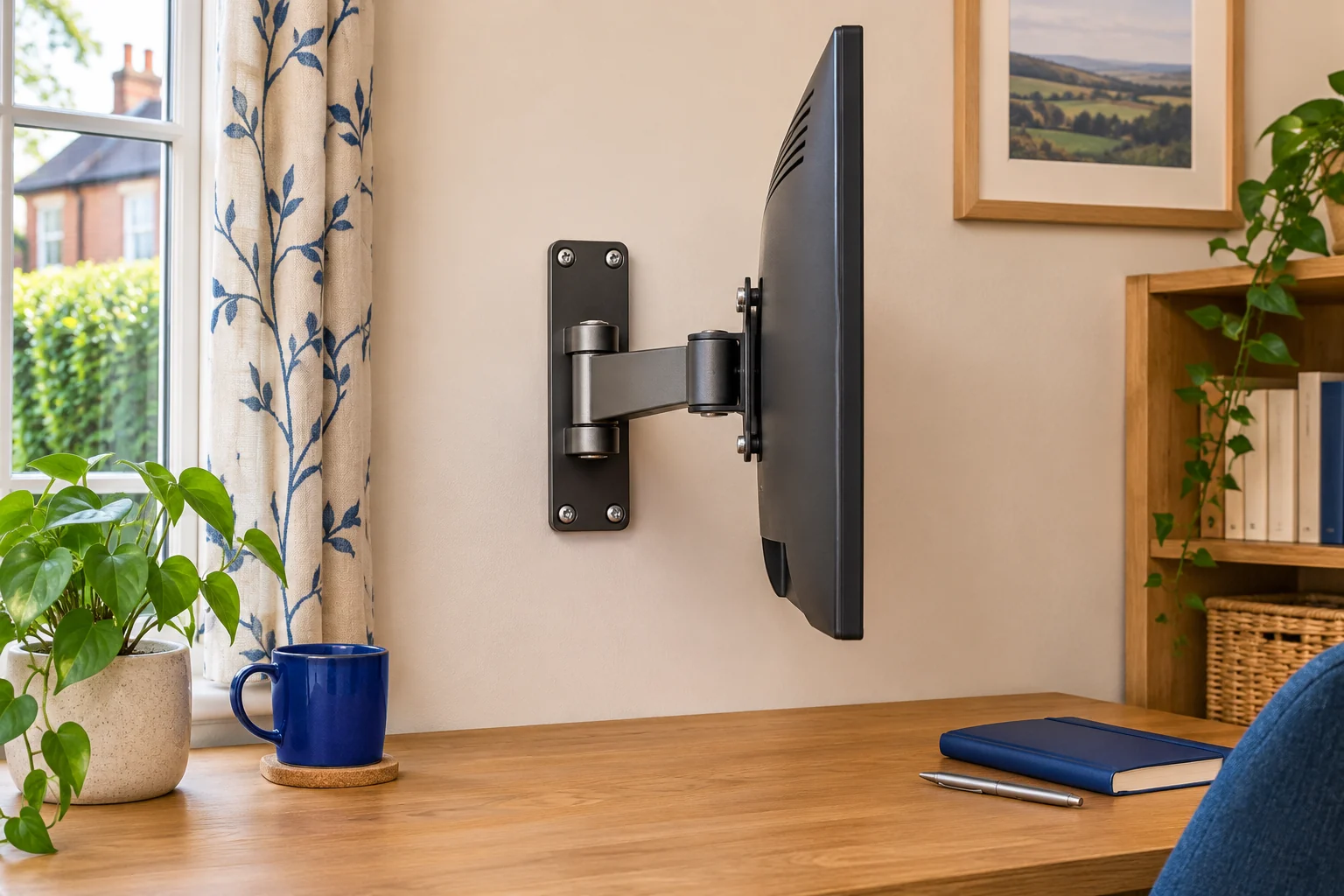
The fit comparison
Compare the published fit limits
Confirm the wall and approved hardware before comparing the two arms. Check the exact instructions for the supplied revision.
Scroll across the table for every fit check.
| Model | Display load | VESA | Wall fit |
|---|---|---|---|
| Ergotron LX Pro Wall, matte black For a longer wall-to-screen reach | 1.8–10 kg | 75 × 75 or 100 × 100 mm | Up to 64 cm extension. Verify wall structure. |
| BONTEC GWM01 wall monitor arm For wider VESA patterns | 8 kg maker maximum. Confirm minimum. | 75/100 mm and listed patterns up to 200 mm | Check extension plates, wall and supplied instructions. |
Confirm the wall and the fixing location
A wall arm keeps its weight off the desk, while the wall carries the mount and display through the full range of movement. Identify the wall construction at the exact proposed location. Check the manufacturer’s mounting instructions for that construction and the approved hardware. If you cannot confirm the structure, hidden services or a suitable fixing point, get a qualified installer to assess it before drilling.
Use a pencil sketch to compare the suitable mounting location with the centre of the desk. The wall may offer one safe fixing point even when you would prefer the screen elsewhere. A plate that sits neatly at the desk centre is of little use if the wall cannot take it. Check for permission where the space is rented or shared, or compare a freestanding arrangement if wall installation is unsuitable.
Measure from the wall to the working screen
Measure the gap behind the worktop and where you want the screen face. Work back from the screen face to its VESA plate, then compare the required reach from the wall to the plate. On a 70 cm-deep desk with a 5 cm rear gap, a screen face 22 cm back from the front edge sits about 53 cm from the wall. A 5 cm distance from the face to the plate puts the plate around 48 cm from the wall. Use the model drawing to check the actual reference point.
Check both the folded and extended positions. A sideways wall fixing may need more reach and a wider elbow sweep. Allow room for the plugs and for the top corners of the screen if you want portrait use.
Ergotron LX Pro Wall for longer reach
The matte-black Ergotron LX Pro Wall 45-683-292 has a stated maximum extension of 64 cm and a display range of 1.8–10 kg. Its 75 × 75 and 100 × 100 mm patterns suit compatible monitors. Use the mounting drawing and confirm any depth or balance restrictions for your display.
For a longer wall-to-screen reach
Ergotron LX Pro Wall, matte black
This LX Pro wall variant reaches up to 64 cm and supports compatible displays within the published balance range.
Confirm the wall structure, hardware and approved mounting location with the manufacturer or installer.
- Up to 34″
- 1.8–10 kg
- Up to 64 cm extension
BONTEC GWM01 for wider VESA patterns
The GWM01 includes extensions for some patterns up to 200 × 200 mm. BONTEC’s UK page gives an 8 kg maximum, while the Amazon listing states 3–9 kg. Use the lower maximum for shortlisting and confirm the exact permitted range and supplied revision with BONTEC before fitting. Check the complete bracket and screw guidance against the screen.
For wider VESA patterns
BONTEC GWM01 wall monitor arm
The GWM01 lists wider mounting patterns using its supplied VESA extensions.
Use the lower maker maximum when comparing. Confirm the supplied revision, minimum load and hardware before installation.
- 13–42″ listed
- 8 kg maker maximum
- Patterns up to 200 × 200 mm
Before first use, check the assembly as instructed, including all locked connections and the intended reach. Leave a relaxed bend in the cables so the arm can fold and extend without loading the connectors.
Common questions
Can I mount a monitor arm on any wall?
Check whether the wall structure and fixings are approved for the exact arm and load. Use a qualified installer if unsure.
Should I use the fixings in the box?
Use only the hardware approved for the wall construction and mounting location. Check the instructions for the exact model.
Do I count the monitor’s original stand?
Use the screen’s weight without the stand and include any components that move with it, as directed by the arm maker.
How much reach do I need?
Measure from the mounting plane to the VESA plate in the intended working position, then compare it with the arm drawing.
Can a wall arm work above a standing desk?
Check usable screen height and collision clearance at both desk positions. The arm base stays fixed while the desk moves.
Sources and selection
Sources and Amazon UK listings checked in November 2026. This guide uses published specifications and fitting guidance. The BONTEC listing and maker publish different load figures. The table uses the lower maker maximum.