
The fit comparison
Compare the published fit limits
Compare the worktop dimensions with the space occupied by your open laptop, monitor stand and plugs.
Scroll across the table for every fit check.
| Model | Worktop | Height | Layout check |
|---|---|---|---|
| VASAGLE LWD40X writing desk For a compact open front | 100 × 50 cm | 75 cm worktop | Plan for a compact stand and keyboard. |
| VASAGLE 120 cm desk with side shelves For a deeper work surface | 120 × 60 cm | 76 cm worktop | Check chair position alongside the shelves. |
Draw the setup from above
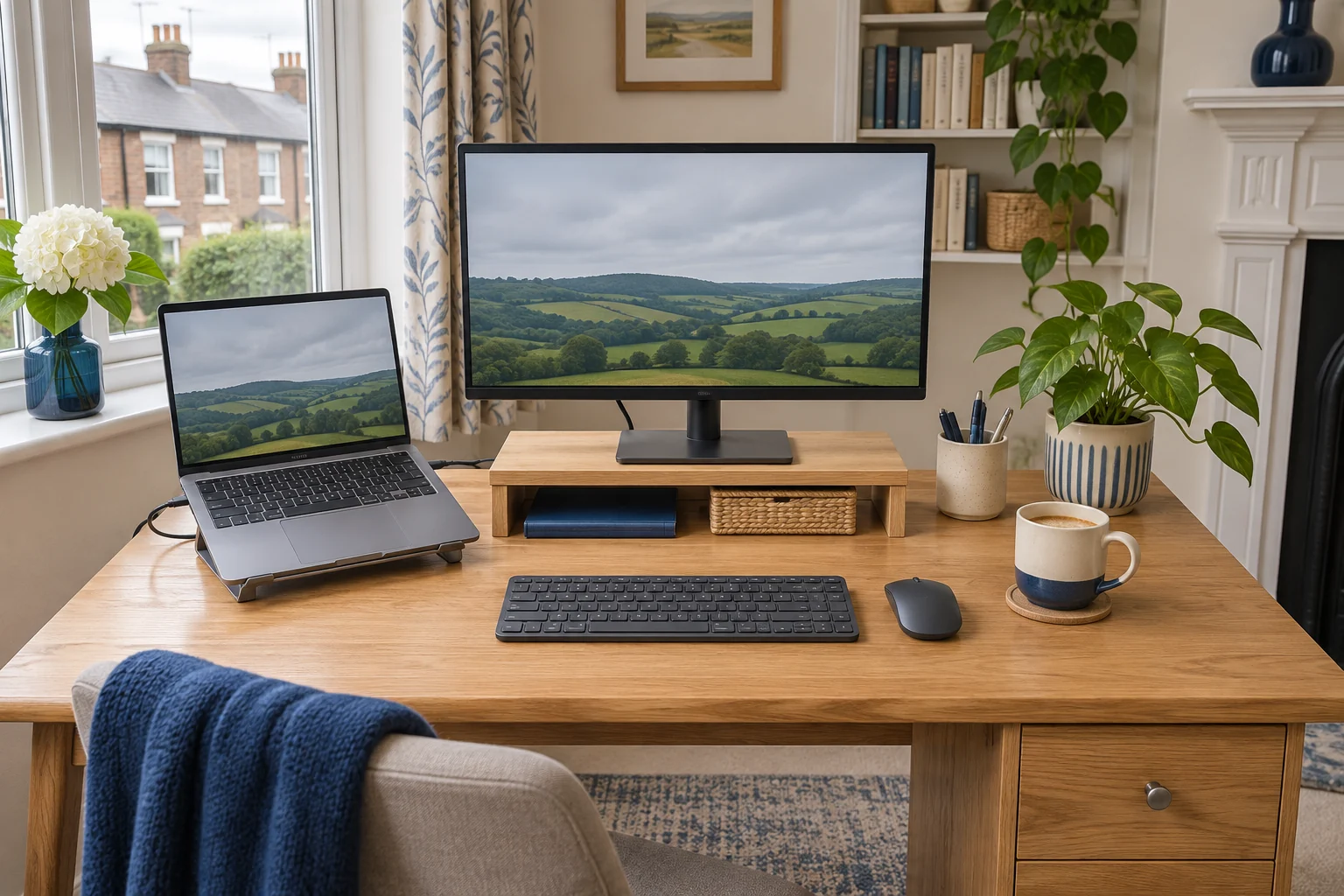
Put the primary display in front of your seat. Measure its housing and stand base, then add the laptop at the angle you will use. Trace the open lid and where the charger and display cables exit. Put a separate keyboard and mouse in their working positions, particularly if the laptop is raised or placed to one side.
As an example, a 55 cm-wide monitor and 32 cm-wide laptop with a 4 cm gap occupy about 91 cm in a straight row. A 100 cm top leaves 9 cm of spare width before you account for side plugs or a lamp. Turning the laptop can free width and use more depth. Measure the screen face position so you can read it comfortably from the seat.
VASAGLE LWD40X for a compact arrangement
The rustic-brown LWD40X offers a 100 × 50 cm worktop at 75 cm high. Try it with the actual monitor pedestal and a compact keyboard. The open front gives some freedom to centre the chair, while the rear bracing still needs to clear your feet.
For a compact open front
VASAGLE LWD40X writing desk
A 100 × 50 cm surface and open front suit a compact laptop or single-screen arrangement.
Check the rear bracing, the 75 cm working height and the usable depth with cables in place.
- 100 × 50 cm top
- 75 cm worktop
- Open front with rear bracing
If the monitor’s base takes 25 cm front to back and needs a 4 cm rear gap, a 50 cm top leaves about 21 cm in front of the base. Test whether your keyboard and hands fit with the screen at a readable distance. The desk depth guide covers how to measure a screen that sits forward of its stand.
VASAGLE 120 cm desk for a deeper work area
The selected rustic-brown shelf desk has a 120 × 60 cm top and a 76 cm worktop height. It gives 20 cm more width and 10 cm more depth than the compact desk. The shelf unit can be installed on either side. Check the underside and choose the side that leaves room to sit in front of the primary screen.
For a deeper work surface
VASAGLE 120 cm desk with side shelves
The 60 cm top gives a laptop and a monitor more depth for their bases, plugs and separate inputs.
Check the usable chair bay with the shelves on the side you choose and allow room behind the screen.
- 120 × 60 cm top
- 76 cm worktop
- Shelves fit either side
Try both devices with all cables connected. A rear plug can sit against the wall even if the equipment feet fit. If a stand or shelf takes too much depth, compare a monitor arm only after checking the desk material and approved fixing. A freestanding mount has its own footprint to include.
Check your usual tasks before buying
Try reading across the displays, writing by hand and using the mouse. Keep the controls and laptop ports reachable. If you use the laptop mainly for calls, check camera height and where you look while speaking. If you use its keyboard occasionally, leave a clear place to bring it forward. Check the floor area too so the longer desk leaves space for the chair and room door.
To compare two desk depths, tape the shallower edge on a larger table. Place the monitor base, laptop and keyboard inside that line. Try closing the laptop and reconnecting its power lead without moving the screen. Repeat with the deeper outline to see where the extra space would help.
Common questions
Is a 100 cm desk enough for a laptop and monitor?
Trace the actual monitor, laptop and plugs. Check the keyboard and chair position before deciding.
Is width or depth more important?
Measure both. Width affects side-by-side fit, while depth affects the bases, cable bends and screen distance.
Should the laptop go in the middle?
Put the display you use most in front of your working position. Place the other device where you can read or reach it.
What if the shelf is on the wrong side?
Check the assembly options for the exact model, then trace the chair and equipment in the selected layout.
Does a monitor arm save depth?
It can free the area under the screen. Check the clamp, folded arm geometry and the working screen position.
Sources and selection
Sources and Amazon UK listings checked in November 2026. Dimensions and fit checks use published specifications. Published specifications for VASAGLE LWD40X writing desk and VASAGLE 120 cm desk with side shelves come from the selected Amazon UK listings.