
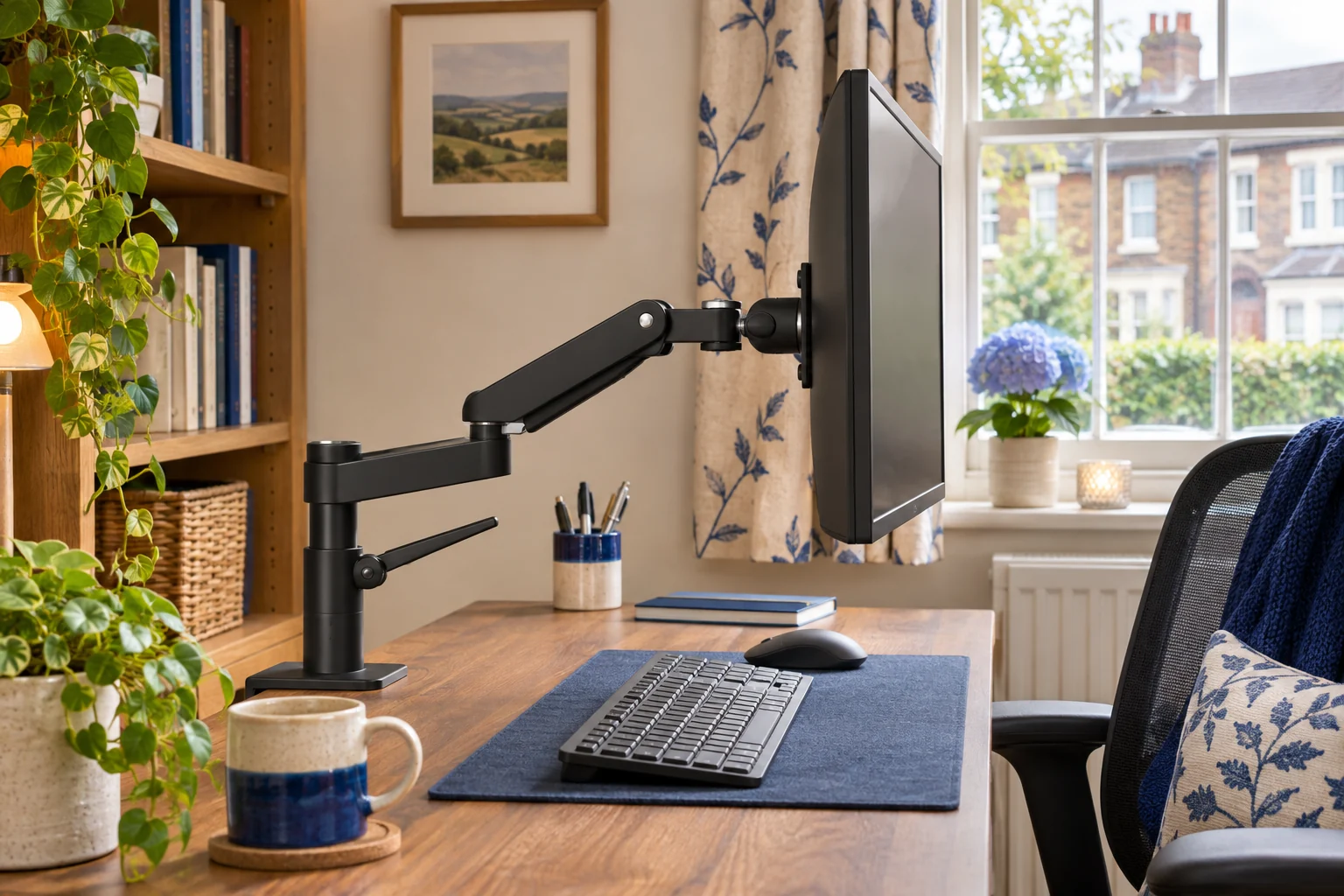
Find the first part that moves
Watch the screen and desk edge together during ordinary typing. Use a fixed point on the wall as a reference. If the whole top moves relative to the wall and the base moves with it, check the desk and floor first. If the top stays still while the base moves against it, stop using the mount and support the screen as directed. Check the clamp and desk for damage or loss of contact before using it again.
If the base remains still, watch the pole, elbow and VESA head. Find whether movement starts at one joint or runs through the whole arm. A screen that slowly drops or tips has a different symptom. Use the arm-sag guide to distinguish a drop in lift from a change in screen angle.
Compare the same task at shorter reach
If the fitting is secure and the instructions permit, try the same typing task with the screen closer to the mount. A display farther from the base puts more leverage on the desk and joints. The VIVO STAND-V001 has a published maximum reach around 406 mm. That is a fit limit, and using less reach can still give the screen position you want.
Set the height and leave it
VIVO STAND-V001
A mechanical pole arm gives one screen reach and swivel without a gas spring to balance. It suits a working position you adjust occasionally rather than several times a day.
Support the screen before releasing the height collar. The website and manual differ slightly on maximum clamp thickness; confirm your supplied instructions near the limit. Curved screens need model-specific confirmation.
- 13–32″ standard; up to 38″ ultrawide
- Up to 22 lb (about 10 kg)
- VESA 75 × 75 or 100 × 100 mm
Check whether the screen can sit close to the pole without hitting the wall or making the keyboard position awkward. If the desk is height adjustable, compare the same task at a lower setting and at the intended standing height. Greater movement at height can point to the desk frame or floor.
Consider a shorter layout for a screen that rarely moves
The Duronic DM12X1 uses a compact head without an extending elbow and lists 17–30 inch screens up to 8 kg. A shorter layout can reduce the reach at which the display acts on its support. It still needs a suitable fixing and gives you fewer options for pulling the screen forwards.
The short upright
Duronic DM12X1
A short upright puts the VESA plate close to the base and does away with a long swinging elbow. Choose it for one screen that normally stays in the same place.
The head tilts and its height can be set by hand while supporting the screen. Check the height you need and ask Duronic to confirm clamp fit on your measured edge. Duronic calls for a solid wood top and rules out thin MDF.
- 17–30″
- Up to 8 kg
- VESA 75 × 75 or 100 × 100 mm
Check that the shorter arrangement leaves the screen at a readable distance. The ports can sit close to the upright, so measure the connector and first bend before choosing it.
Check the assembly and limits
Use the exact manual to inspect the specified connections with the screen supported. Confirm the total load, the fixing’s full contact and any required locks. Use the recommended tools and tightening instructions. If the clamp slides, the desk is damaged, or a joint remains loose after the approved checks, stop using the setup and contact the maker. Recheck after changing the screen, desk or reach.
Common questions
Is wobble the same as arm sag?
Wobble is movement after a disturbance. Sag is a position that drops or tips over time.
Why does it wobble more at full reach?
The screen’s weight acts farther from the base. Check the secure setup at a shorter approved position.
How do I tell if the desk is moving?
Watch the desk edge relative to a wall reference while you type. Check whether the mount moves with the top.
Can a new arm fix a moving desk?
Identify the movement at the desk or floor first. A shorter mount may reduce leverage, but the desk still needs a stable base.
What if the clamp shifts on the top?
Stop using the mount, support the screen as directed and check the desk and clamp before refitting.
Sources and selection
Sources and Amazon UK listings checked in November 2026. This guide uses published specifications and fitting guidance.