
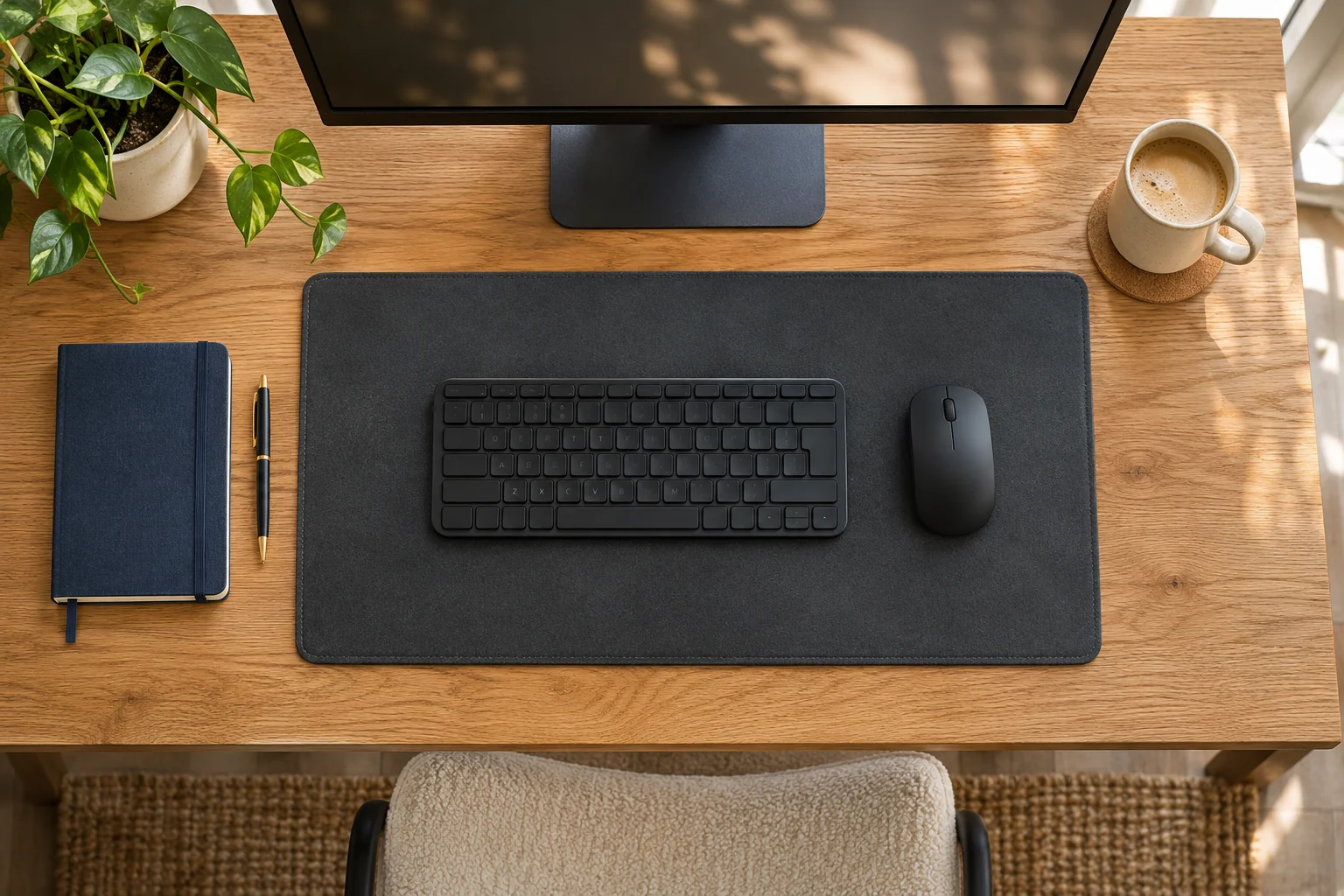
The fit comparison
Compare the published fit limits
Both mats cover 2,100 cm², with different width and depth. Tape the outline around your normal equipment.
Scroll across the table for every fit check.
| Model | Mat size | Surface | Fit check |
|---|---|---|---|
| Aothia desk pad 60 × 35, black More depth within a 60 cm width | 60 × 35 cm | PU top with non-slip backing | Trace the mouse area and front-edge margin. |
| Logitech Studio Series desk mat, grey Wider, shallower cloth surface | 70 × 30 cm | Cloth top and rubber base | Check desk width and screen-base position. |
Start with the usable worktop
Measure the flat surface inside any bevel, shelf, raised edge or cable hole. Put the keyboard where you can type comfortably and move the mouse through the range you normally use. Add a notebook if you write by hand. Tape the proposed mat outline around those items and check the margins on all sides.
A desk pad can occupy space beneath a monitor base or clamp. Check whether the equipment maker permits that material under the support. Keep the specified clamp landing area clear and stable. If the desk has a rounded front edge, check that the mat sits flat without curling or hanging into the chair space.
Aothia 60 × 35 cm for more depth in a shorter width
The selected black Aothia mat measures 60 × 35 cm and has a PU surface. It can suit a compact input area if the 35 cm depth leaves enough space for the monitor stand and plugs. On an 80 cm-wide flat top, centring it leaves 10 cm at each side before accounting for other fittings.
More depth within a 60 cm width
Aothia desk pad 60 × 35, black
The black 60 × 35 cm pad gives a defined surface for a keyboard and mouse on a compact desk.
Tape out both dimensions and allow room for the mouse, top-edge fittings and any screen stand.
- 60 × 35 cm selected size
- PU surface
- Black variant
Trace the full mouse movement and check where your wrists rest. Keep the pad flat and follow its surface-care guidance. Confirm the desk finish is suitable for the backing, particularly on delicate or recently treated surfaces.
Logitech Studio Series for a wider, shallower outline
The selected grey Studio Series mat measures 70 × 30 cm. Its cloth surface and rubber base give a different feel from the PU example, and Logitech states that the base contains latex. Check the full 70 cm span against the usable width, including any clamp or side shelf.
Wider, shallower cloth surface
Logitech Studio Series desk mat, grey
The Studio Series grey mat measures 70 × 30 cm with a cloth surface and rubber base.
Check the full width and whether the shallower depth leaves enough support for your normal mouse movement.
- 70 × 30 cm
- Cloth surface
- Rubber base contains latex
The 30 cm depth can leave more exposed worktop behind the mat, but it needs to support your normal mouse path at the front. On the same 80 cm-wide desk, a centred 70 cm mat leaves 5 cm per side. Try the position before deciding whether that margin works for your layout.
Check the finish and how you clear the desk
Follow the desk and mat makers’ cleaning instructions. Remove grit before placing the mat and dry the surface fully after cleaning or a spill. Logitech describes its fabric as spill-resistant, which still calls for prompt cleanup using its care guidance. Let both the mat and desk surface dry before returning equipment.
Lift the mat periodically as its instructions allow to inspect the surface below. If you move the keyboard or attach a tray, retape the layout and check the mouse area again. Choose the size by the working arrangement you need, then compare the surface feel and care requirements.
Common questions
Should a desk mat cover the whole top?
Trace the working area and keep the clearances required by screen stands, clamps and cable access.
Is 60 × 35 cm smaller than 70 × 30 cm?
They have different proportions and the same area. Compare the width and depth against the equipment layout.
Can a monitor arm clamp sit on the pad?
Follow the arm and desk makers’ required support surface. Check any approved padding and total clamp thickness.
How do I check mouse space?
Place the keyboard in its normal position and move the mouse through real tasks inside the taped mat outline.
Can a spill-resistant mat stay wet?
Follow its care instructions and dry the mat and desktop before replacing equipment.
Sources and selection
Sources and Amazon UK listings checked in November 2026. This guide uses published specifications, manufacturer instructions and measurements to take in your own setup. The selected Amazon UK listings supply the product specifications for Aothia desk pad 60 × 35, black.