
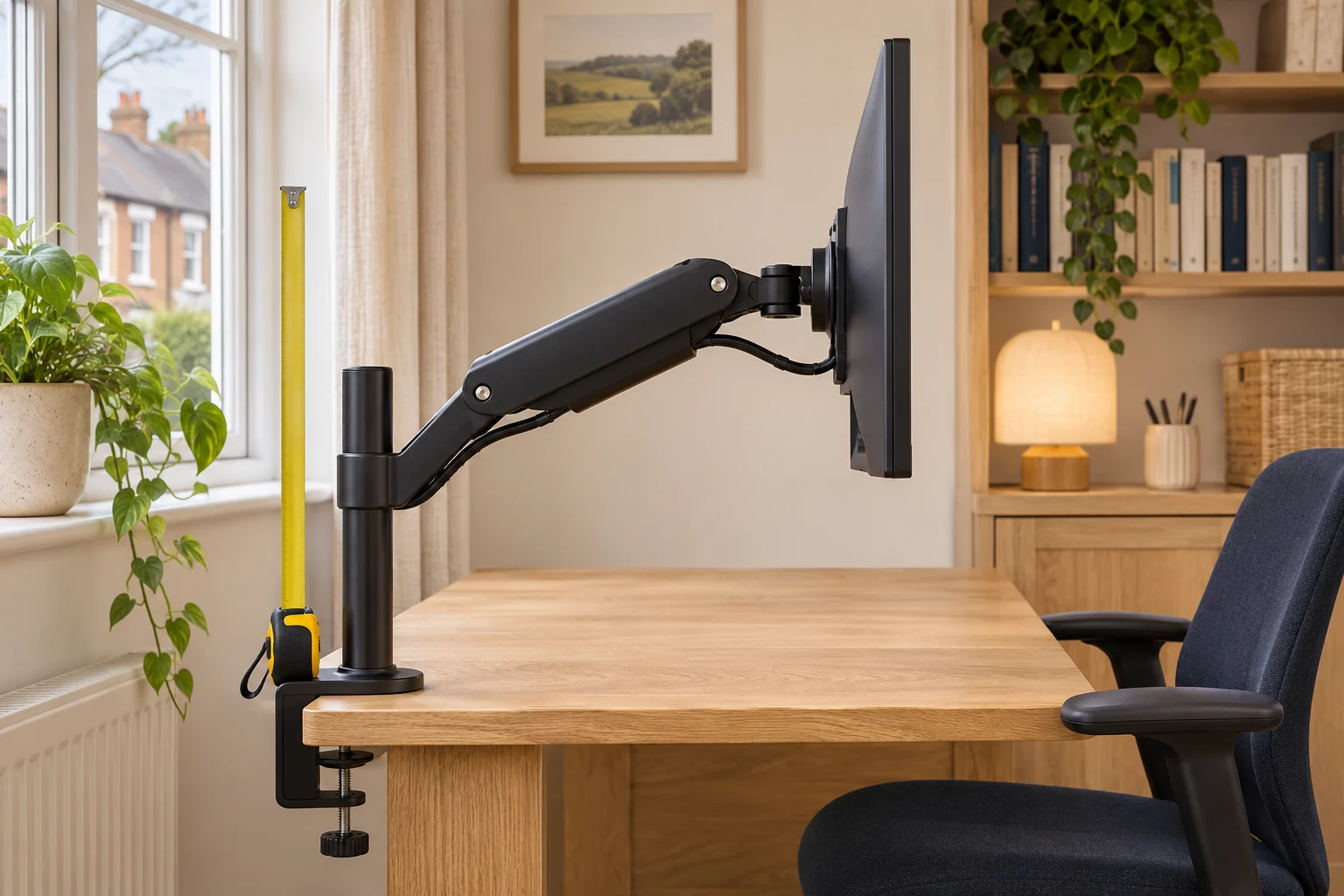
Separate pole height, travel and centre height
Look at the arrowheads on the dimension drawing. A pole-height figure may run from the desk to the top of the pole. Lift travel describes how far a moving joint or plate can rise between its endpoints. A centre-height range measures a specific point on the mounting plate from a stated surface. Write down the reference for each figure before comparing two arms.
If an arm lists 30 cm of travel without a minimum centre height, the number cannot tell you how high the screen will sit. Ask for the lowest and highest VESA-centre positions above the desk, including the arm configuration used for those measurements. Keep reach and tilt in the request because the usable endpoints can change with the joints folded.
VIVO STAND-V001 illustrates a pole measurement
The STAND-V001 has a published 432 mm pole. Its collar sets the arm assembly’s height along that pole, and the monitor plate sits on the assembly. Check the drawing for the space used by the collar, joints and top cap. The full pole length does not give the usable centre-height range by itself.
Set the height and leave it
VIVO STAND-V001
A mechanical pole arm gives one screen reach and swivel without a gas spring to balance. It suits a working position you adjust occasionally rather than several times a day.
Support the screen before releasing the height collar. The website and manual differ slightly on maximum clamp thickness; confirm your supplied instructions near the limit. Curved screens need model-specific confirmation.
- 13–32″ standard; up to 38″ ultrawide
- Up to 22 lb (about 10 kg)
- VESA 75 × 75 or 100 × 100 mm
Use the exact model instructions to adjust the collar and support the screen as directed. Trial the screen centre at your working reach. Check any shelf or wall behind the arm before raising it, and keep the power and signal leads clear of the moving joints.
Invision MX400 gives a published height range
Invision lists 140–400 mm of height for the dual MX400, alongside a 530 mm reach per arm. Check the dimension drawing to confirm the plate reference and the arm’s position at each endpoint. You will also need each screen’s offset from its mounting holes, especially if the monitors are different sizes.
Two independently moving screens
Invision MX400
Two gas-assisted arms share one attachment. This is the adjustable option for two compatible everyday screens when each display needs its own position.
Each monitor must weigh 2–9 kg without its stand. Confirm the clamp diagram for the base supplied; the arm sweep and desktop strength matter as much as the thickness.
- 19–32″ each
- 2–9 kg each
- VESA 75 × 75 or 100 × 100 mm
Ask for clarification if the range is shown only in a feature table. A screen at the farthest reach can place the joints differently from the same screen folded close to the post. Check both arms if you plan to align the tops of two displays.
Translate the plate position into the screen position
Measure from the centre of the screen’s VESA hole pattern to its top edge. If the plate centre can sit 35 cm above the desk and the top edge is 18 cm above the hole centre, the screen top is about 53 cm above the desk before allowing for tilt. A 73 cm desktop would put that top at about 126 cm from the floor.
Use the active picture area and your actual viewing position when judging the result. The HSE guidance places the top of the screen around eye level for a typical setup. Try the screen with your usual tasks and eyewear, then confirm the arm can hold that position within its permitted load and reach.
Common questions
Is pole height the maximum monitor height?
Read the drawing. The collar, joints and screen offset determine the usable screen position on a pole-mounted arm.
What does lift travel mean?
It describes the movement between two positions. You also need at least one endpoint and its measurement reference.
Where is the VESA centre?
It is the centre of the square or rectangular pattern of mounting holes on the screen.
Can tilt change the screen’s top height?
Yes. Check the screen position at the tilt and reach you intend to use.
What should I ask the arm maker for?
Ask for minimum and maximum plate-centre height above the desktop at your intended reach and screen load.
Sources and selection
Sources and Amazon UK listings checked in November 2026. This guide uses published specifications, manufacturer instructions and measurements to take in your own setup.