
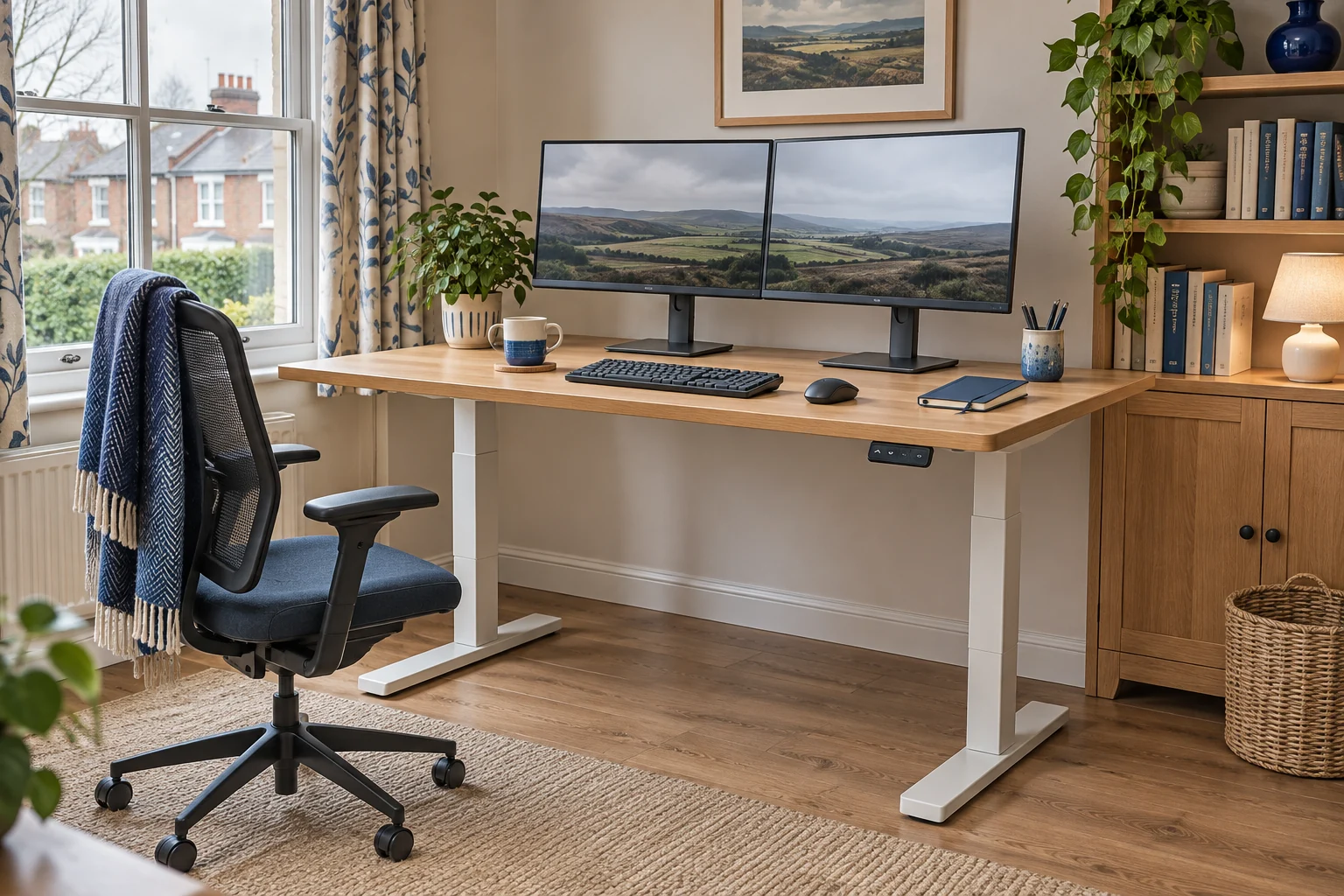
The fit comparison
Compare the published fit limits
Both bundles include a 140 × 70 cm top. These are the manufacturer’s height figures with a 25 mm top. Check the delivered revision when you need either endpoint.
Scroll across the table for every fit check.
| Model | Worktop | Finished height | Check first |
|---|---|---|---|
| Desktronic HomePro 140 × 70, grey and walnut For a wider height range | 140 × 70 cm, 25 mm | 63.5–128 cm maker range | Confirm range for the supplied revision. |
| Desktronic HomeOne 140 × 70, black and walnut For a higher seated minimum | 140 × 70 cm, 25 mm | 72.7–121 cm maker specification | Check the seated setting first. |
Plan the room around the whole desk
Mark 140 × 70 cm on the floor. Add the skirting gap and the space behind the top for plugs, monitor arms or an open window. Mark where you pull the chair back to stand, then walk through the room with the chair there. Check the floor feet against a radiator, plinth or nearby storage. The worktop can clear an obstruction while a foot lands on it.
On the top, place the equipment in the order you use it. Centre the primary screen and keyboard first. Put a second screen where you can turn to it comfortably. Check the actual monitor feet and cable bends, especially if you need to use part of the surface for paperwork. If the wider desk fits only when the chair blocks a door, compare compact standing desks by footprint first.
HomePro for a wider range on the same footprint
The grey-and-walnut HomePro has a 140 × 70 cm top and a three-stage frame. Desktronic lists 63.5–128 cm with a 25 mm top. The Amazon listing also gives a different range in its feature text. If you need one of the endpoints, ask Desktronic to confirm the assembled limits of the exact bundle before ordering.
For a wider height range
Desktronic HomePro 140 × 70, grey and walnut
A 140 × 70 cm electric desk with a one-piece 25 mm top and a three-stage frame.
Check the finished height against both users and confirm the supplied revision if a height limit is critical.
- 140 × 70 cm top
- 63.5–128 cm maker range
- Three memory presets
Check the floor-to-key height seated and standing. If your keyboard adds 2 cm and you type comfortably at 68 cm seated and 105 cm standing, you are looking for a worktop that can reach about 66 cm and 103 cm. Trial both settings, including the keyboard, shoes and any chair mat. Under the top, check your thigh clearance against the rails and handset at the low setting.
HomeOne for a higher seated minimum
The black-and-walnut HomeOne has the same 140 × 70 cm footprint and a 25 mm one-piece top. Desktronic’s technical table gives 72.7–121 cm with that thickness. Check that both users can reach their seated and standing settings. The higher starting point matters if you need a lower keyboard surface, even when the desk is large enough.
For a higher seated minimum
Desktronic HomeOne 140 × 70, black and walnut
This complete 140 × 70 cm desk has a 25 mm one-piece top and a handset with three memory positions.
Check your seated key height against the maker’s 72.7 cm minimum with a 25 mm top.
- 140 × 70 cm top
- 72.7–121 cm maker specification
- Three memory presets
The handset on each listed bundle has three memories. Work out where you can reach it while seated, where the chair arms park and how the cable routes behind it. A shared desk can need more settings than it has presets. Record the missing height as a number beside the controls.
Check load and travel before setting presets
Weigh or look up the equipment the desk will carry, including monitor bases and attachments. Ask the maker whether its rating includes the top and which figure applies while the desk moves. Check the permitted distribution and any mounting limits for a clamp before fitting one. Leave shelves, window handles and lights clear through the full travel.
At standing height, make sure power and signal leads reach without pulling. At sitting height, check that spare length stays clear of the feet and frame. The standing-desk cable guide shows which leads move with the top and which cross to a fixed outlet.
Common questions
Is 140 × 70 cm enough for two screens?
Measure both bases or mounts and mock up the layout. Include keyboard space, viewing distance and the cables behind the screens.
Does the range include the desktop?
The figures in the comparison come from the maker’s specifications with a 25 mm top. Confirm the assembled range for the exact bundle.
How do I choose the lowest setting?
Measure seated key height with supported feet and subtract the height the keyboard adds.
Do I count the worktop in the lifting load?
Ask the desk maker which parts its rating includes and use the limit that applies during movement.
Can I clamp a monitor arm to the desk?
Confirm the maker allows the exact clamp and location. Check the edge, rails and all equipment clearances through the desk’s travel.
Sources and selection
Sources and Amazon UK listings checked in November 2026. This guide uses published specifications and fitting guidance. The HomePro listing and manufacturer publish different height figures. The table uses the maker’s range with a 25 mm top.