
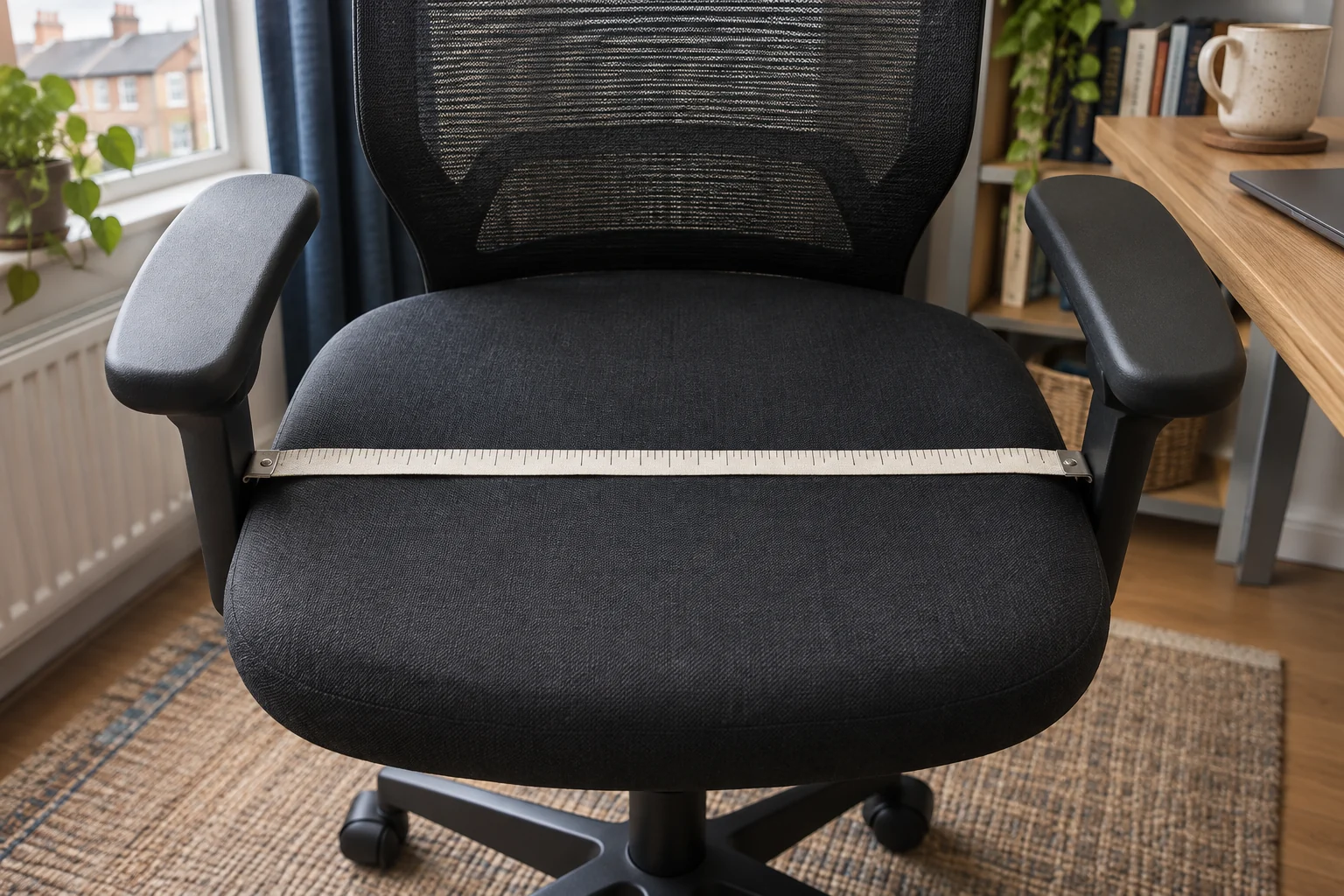
Find your seated width
Sit on a firm, flat surface in your normal work clothes. Rest your feet and let your hips and thighs settle. Place two upright books lightly against the sides at the widest point, without compressing clothing. Measure the gap. Repeat farther forward if your thighs need more space there. Allow enough room to shift, sit down and stand up without rubbing the chair or squeezing between the arms.
Keep that number separate from the width of the floor space you have. The seat pan, armrests and castor base can each be widest in a different place. The chair’s overall width is more useful when checking a doorway or narrow desk opening.
Measure the part of the seat you can use
Measure between the points where the pan begins to curve or rise at the sides. Check more than one position if the seat tapers or has a hard rim. A width across the outer edges can include an area that does not support you comfortably. With the depth slider set, check that the clear width extends as far forward as your thighs need it.
Steelcase UK lists the Series 1 seat width as 44 cm and the width between arms as 43–51 cm. The wider arm setting gives more room at the sides. It does not increase the published pan width.
A lower seat with a depth slider
Steelcase Series 1, Onyx
The UK Series 1 specifications list a 41 cm starting seat height and a usable depth range of 42–48 cm. A slider lets you trial the shorter setting.
Steelcase uses a standardised measuring method. Try the seat with your own footwear if you are near the minimum, and check armrest and castor fit at your desk.
- 41–52 cm seat height
- 42–48 cm usable depth
- Depth slider
Measure between the arms at your setting
Set the arm height and rotation for typing. Measure across the narrowest inside gap where your hips or thighs pass. Include brackets below the pads if they project inward. Repeat after moving the arms. A gap that works with pads straight may narrow when they turn inwards.
For Amia, Steelcase UK lists a 49 cm seat and a 41–50 cm arm gap. In the narrow arm position the usable entry can be less than the pan width. Check the exact setting that lets you enter and leave with the arms in a useful working position.
Seat slider and adjustable arm spacing
Steelcase Amia, black
Steelcase publishes a 43–49.5 cm usable seat-depth range and a 43–54 cm seat-height range for Amia under its UK measuring method.
Measure at your setting, including usable pan width and inside space between the arms.
- 43–54 cm seat height
- 43–49.5 cm usable seat depth
- 49 cm listed seat width
Use both readings to rule out a poor fit
For example, with a seated width of 45 cm, a 49 cm published pan may be a useful starting point, but an arm gap of 44 cm at your preferred setting can still be too narrow. Check the contours and try both measurements with a normal reach for the mouse. Measure the outside of the chair as well to see whether it fits under the desk at the same setting.
When a seller gives only one width, ask where it was measured. Request the usable pan width, the narrowest inside gap and the base width separately. Keep the numbers with the seat-depth measurement if you are comparing chairs remotely.
Common questions
Is overall chair width the same as seat width?
Overall width can include the base and armrests. Measure the part of the pan that supports you separately.
What if the seat has raised edges?
Measure the usable space inside the contours. Try the chair with your thighs in their normal position.
Where do I measure between the arms?
Measure the narrowest inside point where your hips or thighs pass, including pads and brackets.
How much extra width do I need?
Allow room to move and get in and out without pressure. Try the specific seat contour and arm setting.
Do wider arm settings make the pan wider?
They increase the space beside you. The underlying pan width stays the same.
Sources and selection
Sources and Amazon UK listings checked in November 2026. Fit examples use published specifications.