
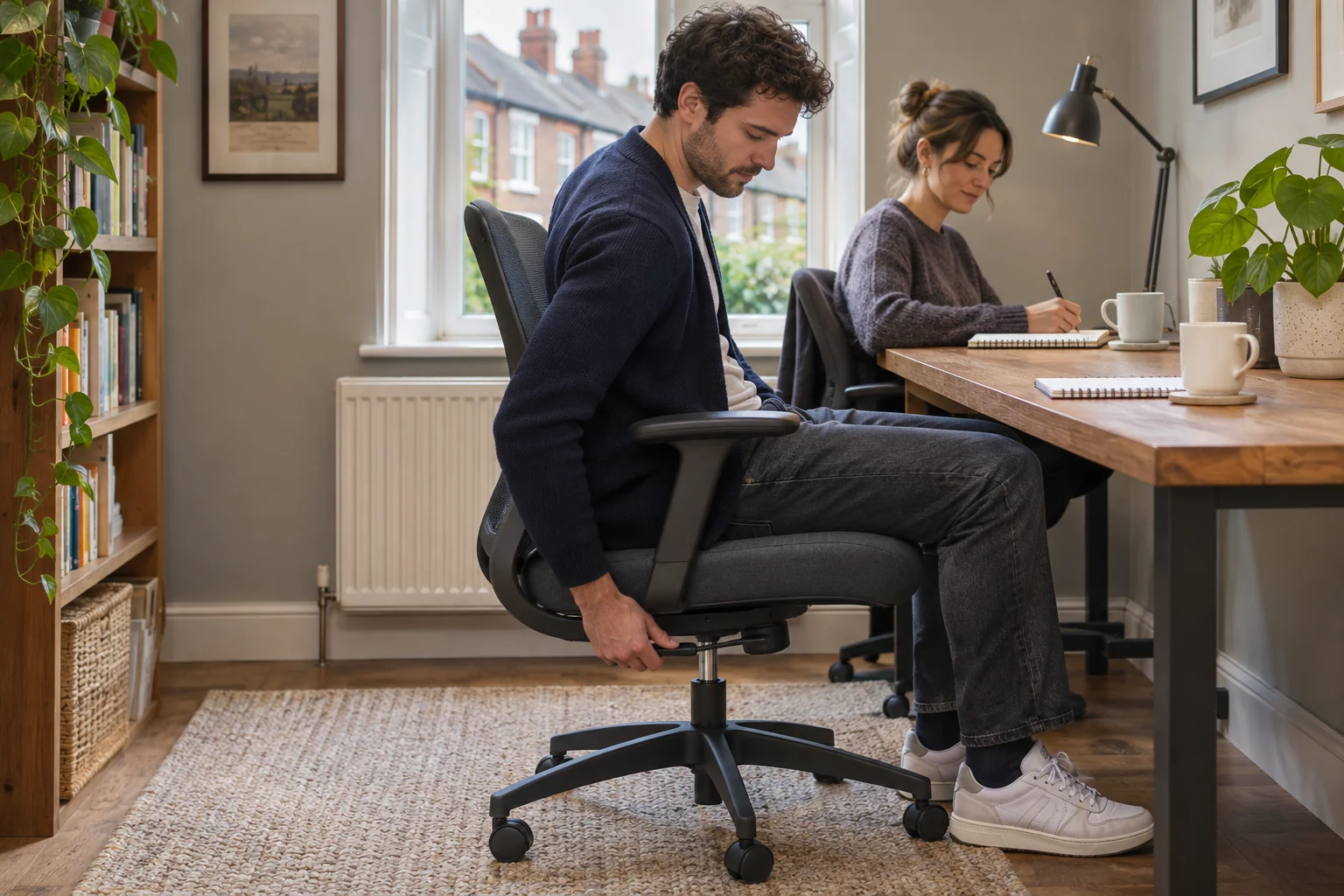
The fit comparison
Compare the published fit limits
Seat ranges use Steelcase’s UK measuring method. Check both people at their normal typing positions.
Scroll across the table for every fit check.
| Model | Seat height | Usable depth | Shared adjustments |
|---|---|---|---|
| Steelcase Series 1, Onyx A lower seat with a depth slider | 41–52 cm, maker’s UK method | 42–48 cm usable, adjustable | Seat slider, 4D arms and weight-activated tilt |
| Steelcase Amia, black Seat slider and adjustable arm spacing | 43–54 cm | 43–49.5 cm usable | Slider, arm spacing and manual tilt tension |
Record the two working positions
Have both people measure in their usual footwear. Each needs a seat height that supports the feet, a depth that lets the back rest against the chair and a clear place for the arms. Take note of desk height, the lowest rail and how close the chair must come to reach the keyboard. A chair may cover both people’s measurements and still need the work surface to move.
For example, if one person uses a seat around 43 cm and the other around 52 cm, the chair needs to reach both under normal use. If the desk stays fixed and the shorter person needs a higher seat to reach the keys comfortably, test stable foot support and thigh clearance at that height. Record the result alongside the chair setting.
Steelcase Series 1 for a lower starting height
Steelcase UK publishes a 41–52 cm seat-height range and 42–48 cm usable depth for Series 1. The selected Onyx version has adjustable arms and its listing describes weight-activated tilt. Test both people on the mechanism. A shared range is only useful if each person can reach the controls and return to a stable typing position.
A lower seat with a depth slider
Steelcase Series 1, Onyx
The UK Series 1 specifications list a 41 cm starting seat height and a usable depth range of 42–48 cm. A slider lets you trial the shorter setting.
Steelcase uses a standardised measuring method. Try the seat with your own footwear if you are near the minimum, and check armrest and castor fit at your desk.
- 41–52 cm seat height
- 42–48 cm usable depth
- Depth slider
If the chair is usually moved to another room, measure the widest castor position and the doorway. Keep the arm settings separate from the pan depth in your notes. Changing pad width or rotation can affect the clearance below the desk.
Steelcase Amia for a longer slider setting
Amia’s UK published seat-height range is 43–54 cm and its usable depth is 43–49.5 cm. Its tilt tension is manually adjustable, with a back lock in the forward position. It can suit two people who both fit its starting height and want more depth at the long end.
Seat slider and adjustable arm spacing
Steelcase Amia, black
Steelcase publishes a 43–49.5 cm usable seat-depth range and a 43–54 cm seat-height range for Amia under its UK measuring method.
Measure at your setting, including usable pan width and inside space between the arms.
- 43–54 cm seat height
- 43–49.5 cm usable seat depth
- 49 cm listed seat width
A manual tension setting adds a step when users want different resistance. Check that each can reach the knob and restore the setting without guessing. Confirm both users can move the seat slider and re-engage it before sitting at the desk.
Make the changeover easy to repeat
Write each person’s seat height, slider position, backrest setting and arm positions on a small card. Use a fixed point on the seat or chair as the reference. If the controls are continuous, note the distance from the floor rather than relying on a click count. Adjust height and depth first, then the back and arms. Reset the monitor and input position as part of the same handover.
Try switching twice. If one person needs to work around a fixed rail or constantly move the desk accessories, record which item limits the setup. Two workstations or a separately adjustable work surface may be a better fit for regular simultaneous use.
Common questions
Can one chair fit two people of different heights?
It can if both can reach a comfortable seat height, depth and arm position at the same workstation. Measure both.
Which setting should we change first?
Start with seat height and depth, then set the backrest, arms and tilt. Adjust the screen and keyboard after sitting.
What does weight-activated tilt do?
It responds to the seated load. Try it with each person and check the available resistance and lock settings.
How can we remember each person’s settings?
Write down measurable heights and repeatable slider or arm positions. Keep the notes near the desk.
What if one person cannot reach the floor?
Check the seat and desk heights together. If the seat must stay raised for the desk, try stable foot support and recheck knee clearance.
Sources and selection
Sources and Amazon UK listings checked in November 2026. Fit examples use published specifications.