
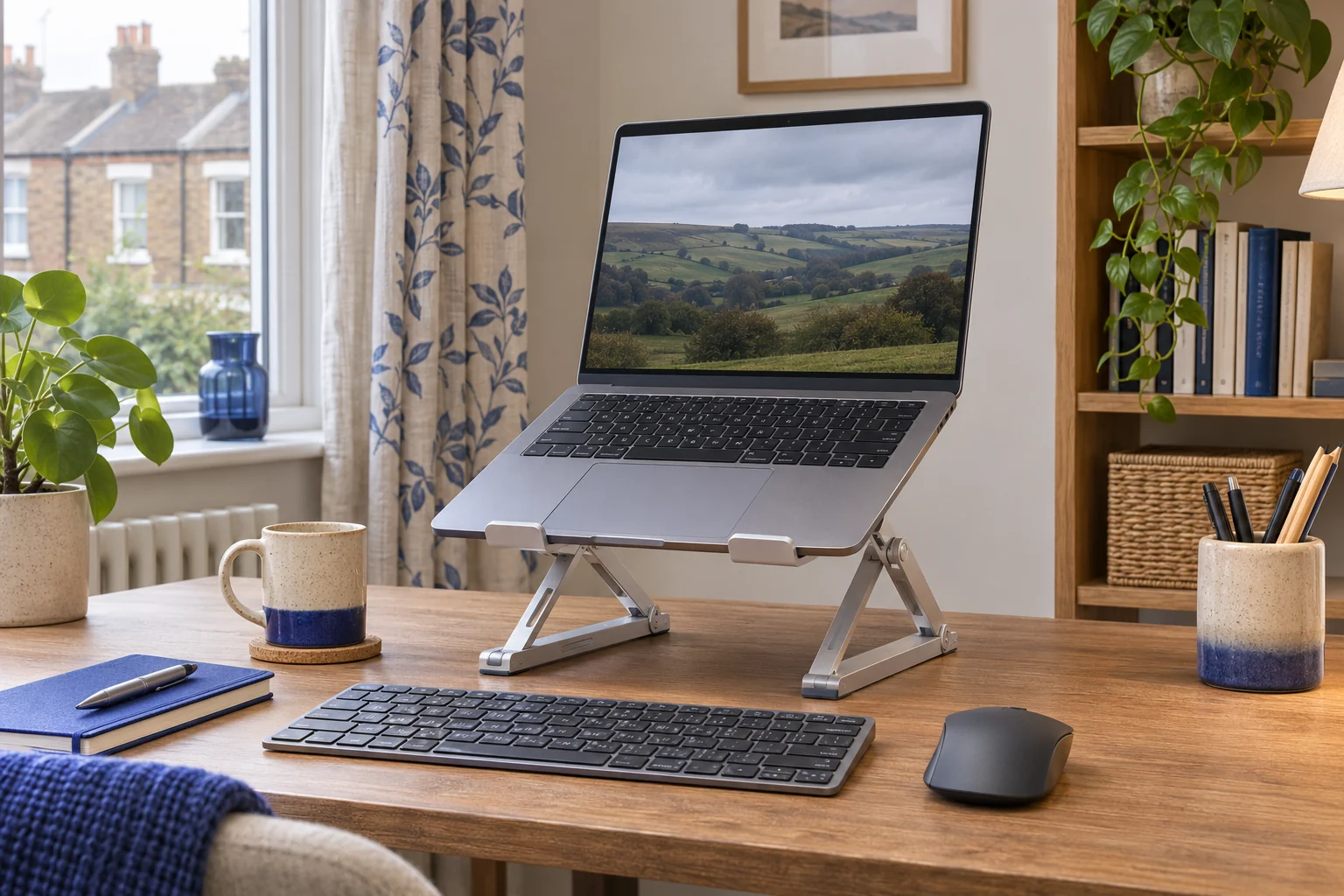
The fit comparison
Compare the published fit limits
Lift figures use the makers’ published measurements. Compare the position of your screen once the laptop is open.
Scroll across the table for every fit check.
| Model | Listed lift | Packed shape | Check first |
|---|---|---|---|
| UGREEN 40289 folding stand A stand to pack away | About 4.7–13.8 cm, five settings | About 27 × 5.5 × 2.7 cm folded. | Check the front stops and ports. |
| Nexstand K2 folding laptop stand For a greater lift | 15–30 cm listed | Long, narrow folding frame | Check that the front edge fits both grips. |
Measure the lift with the screen open
Set the laptop where you can read it without leaning forwards. Use a stable trial surface to see how much higher the laptop needs to be. Measure from the desk to the contact point under the laptop. On an angled stand, the front and rear edges rise by different amounts. Check the screen top after opening it to your working angle. The range shown here gives you a shortlist and the stand geometry decides the resulting screen position.
Place the external keyboard and mouse first. Move the laptop far enough back to leave that space, then check you can read it at the resulting distance. HSE guidance for longer laptop work suggests a separate keyboard and mouse. A lifted laptop with typing still on its own keys can put hands too high.
UGREEN 40289 for a smaller lift
This silver folding UGREEN lists five settings and approximately 4.7–13.8 cm of lift. The folded shape is about 27 × 5.5 × 2.7 cm. It suits a modest adjustment when you already have a high table or often move between rooms. Check that the support rails, feet and front stops line up with the laptop.
A stand to pack away
UGREEN 40289 folding stand
The silver 40289 folds into a narrow bundle and has five raised positions. It suits a desk or table you clear between sessions.
Trial the laptop’s support points, front lip, vents and cable exits at the chosen setting. Diagonal screen size alone leaves those details unresolved.
- Five height settings
- About 4.7–13.8 cm listed lift
- 27 × 5.5 × 2.7 cm folded
Look at vents and sockets along the base. Leave room to connect the charger without pulling the laptop sideways. A laptop with a rounded or tapered front edge may touch the stop differently from a rectangular case.
Nexstand K2 for more lift
The black Nexstand K2 lists eight settings across a 15–30 cm lift range and weighs about 234 g. Its supports grip the front edge. The listing calls for a compatible front edge under 2.2 cm. Check the edge shape and the maker’s instructions for any included spacers, then open the screen with the laptop fully seated in both grips.
For a greater lift
Nexstand K2 folding laptop stand
This folding travel stand raises a compatible laptop on a pair of adjustable supports.
Check the front edge thickness, support contacts and ability to open the screen before choosing.
- 15–30 cm listed lift
- Eight height settings
- 234 g listed weight
A greater lift can move the laptop farther back on a shallow desk. Mock up the stand with your keyboard and the mouse beside it. Check the space behind the screen and the position of the ports. Use the stand on a flat stable surface and remove the laptop before changing a setting if the maker’s instructions require it.
Test the packing and setup routine
Put the folded stand, charger, mouse and keyboard where you intend to carry them. A slim stand can still be too long for a short bag pocket. Check the packed length and room around any hard hinges so they do not press against the laptop. On a shared desk, keep the peripherals together so the whole setup can be cleared in one trip.
Try the setup twice in the same place. If you keep adjusting the stand, mark down the setting and your preferred screen angle. Check whether the desk or chair is causing the difference before buying a stand with more range.
Common questions
Can I type directly on a raised laptop?
For sustained work use a separate keyboard and mouse so you can position the screen and your hands independently.
Does a larger laptop need a bigger folding stand?
Check its contact points, weight, shape and front edge against the maker’s limits. Diagonal size is one part of the fit.
Which of these stands offers more lift?
The Nexstand K2 lists 15–30 cm. The UGREEN lists around 4.7–13.8 cm. Measure at your screen’s usual angle.
What should I measure for a bag?
Check internal length, width and depth with the laptop and keyboard already packed.
Can I use one on a sofa or bed?
Use a rigid stable surface so all feet can grip and ventilation stays clear.
Sources and selection
Sources and Amazon UK listings checked in November 2026. This guide uses published specifications and fitting guidance.