
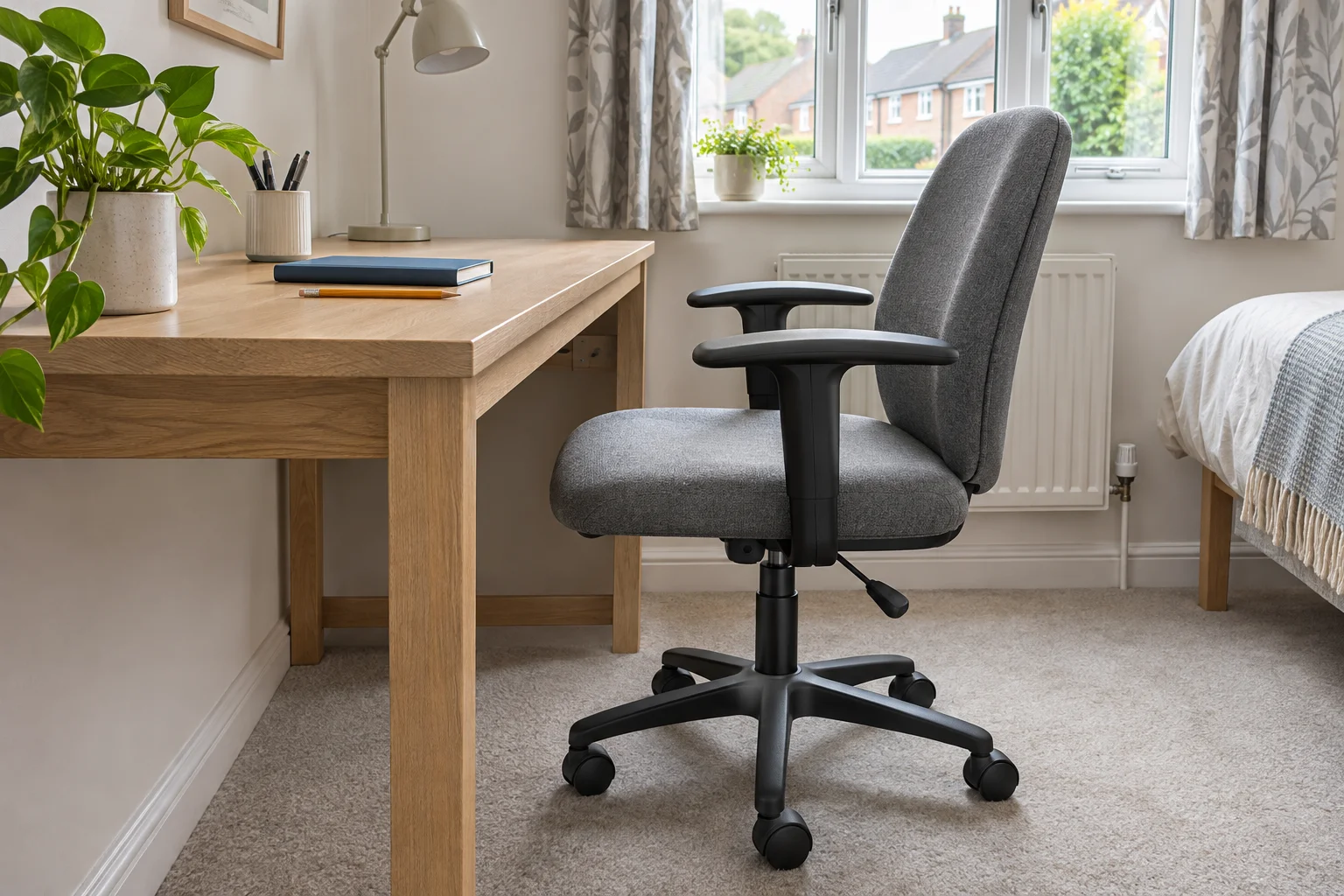
Set the chair for work before measuring
A chair can park under a desk at its lowest setting and still stop too far away when you raise it for typing. Start with your normal working seat height, footwear and floor covering. Keep the keyboard in its intended position. Then record the highest point of each armrest and use the higher figure where both arms follow the same underside.
HSE's workstation guidance describes chair and keyboard positioning. The clearance differences below answer a separate furniture question: how do the entered chair dimensions compare with the openings they must pass? A positive difference does not establish a comfortable working position.
Record a second set of dimensions if you lower the chair or raise its arms for storage. Keep the working and parked arrangements distinct. Otherwise, a measurement that solves tidying away can hide a clash during the day.
Read three differences independently

The first example has 1 cm of vertical overlap at the arms. Its arm width is 2 cm less than the matching opening, but its base is 4 cm wider than the opening near the floor. Lowering the arms alone changes only the first result. The base still stops the chair rolling straight in.
The 2 cm arm-width difference is total spare width. It would mean 1 cm on each side only if the chair were centred, parallel and symmetrical. An off-centre approach, uneven pads or angled desk legs can use that space differently. The worksheet does not assign a steering allowance.
Enter the openings and chair dimensions
Use your own measurements
Chair-to-desk clearance worksheet
Enter the chair measurements at your working seat height and the narrowest matching desk openings. All figures are in centimetres.
- Underside minus arm height
- -1 cm
- Opening minus arm width
- 2 cm
- Opening minus base width
- -4 cm
Rounded working: Height: 68 − 69 ≈ -1 cm. Arms: 62 − 60 ≈ 2 cm total. Base: 64 − 68 ≈ -4 cm total.
Positive values are spare dimensions, zero means contact and negative values show overlap in the entered straight approach. Width differences are totals, not a gap on each side. Steering, swivel, depth, soft pads and your working posture need separate checks. Results are rounded to 0.1 cm.
Six examples: what actually changes?
These chosen inputs isolate common clearance problems. They do not describe chair models or recommended minimum gaps. Load a row to change its inputs in the worksheet. The full figures and results remain visible without the controls.
All measurements are in centimetres. Scroll across on a small screen. Negative differences show a dimensional shortfall.
| Example and inputs | Underside minus arm height | Opening minus arm width | Opening minus base width |
|---|---|---|---|
| Arms catch; base is widerLowest underside on the arm path (cm): 68 Highest armrest point (cm): 69 Opening at armrest level (cm): 62 Outside armrest width (cm): 60 Opening at base level (cm): 64 Widest castor-base span (cm): 68 | -1 cm | 2 cm | -4 cm |
| Lower arms; base still widerLowest underside on the arm path (cm): 68 Highest armrest point (cm): 67 Opening at armrest level (cm): 62 Outside armrest width (cm): 60 Opening at base level (cm): 64 Widest castor-base span (cm): 68 | 1 cm | 2 cm | -4 cm |
| Wider opening near the floorLowest underside on the arm path (cm): 68 Highest armrest point (cm): 67 Opening at armrest level (cm): 62 Outside armrest width (cm): 60 Opening at base level (cm): 70 Widest castor-base span (cm): 68 | 1 cm | 2 cm | 2 cm |
| Arms wider than their openingLowest underside on the arm path (cm): 68 Highest armrest point (cm): 67 Opening at armrest level (cm): 62 Outside armrest width (cm): 64 Opening at base level (cm): 70 Widest castor-base span (cm): 68 | 1 cm | -2 cm | 2 cm |
| Exact dimensions meetLowest underside on the arm path (cm): 68 Highest armrest point (cm): 68 Opening at armrest level (cm): 62 Outside armrest width (cm): 62 Opening at base level (cm): 64 Widest castor-base span (cm): 64 | 0 cm | 0 cm | 0 cm |
| Narrower base-level openingLowest underside on the arm path (cm): 68 Highest armrest point (cm): 66 Opening at armrest level (cm): 68 Outside armrest width (cm): 60 Opening at base level (cm): 60 Widest castor-base span (cm): 68 | 2 cm | 8 cm | -8 cm |
In the first two rows, lowering the arms from 69 to 67 cm changes the height difference from −1 to +1 cm. The width differences remain 2 cm at the arms and −4 cm at the base. In the third row, increasing the floor opening from 64 to 70 cm changes the base difference to +2 cm, without changing the arm opening.
The wider-arm example reverses the arm-width result: 62 − 64 = −2 cm even though the entered height now has a positive difference. The exact-dimensions row returns three zeros. Those are contact boundaries in this simple comparison, with no space for steering, upholstery movement or measurement uncertainty.
The last row makes the desk wider at arm level but narrower near the floor. It shows why a single published “chair opening” width is incomplete when legs slope, feet project inward or a low brace crosses the bay.
Measure the lowest underside along the arm route
Use the finished floor as the reference for both furniture pieces. Measure to the lowest drawer, rail, apron, cable tray or fastener that the armrests will actually pass. Check the left and right paths separately if storage is offset. A low drawer outside the chair's path may be irrelevant; one beneath the keyboard can be decisive.
A 74 cm worktop with a 6 cm total top-to-obstruction distance leaves 68 cm from the floor. Do not subtract slab thickness again if that 6 cm already includes it. If you instead record a 3 cm slab and a further 3 cm apron below it, the result is still 74 − 3 − 3 = 68 cm. Direct floor-to-obstruction measurement avoids that double-counting problem.
Check how far below the top the arms must travel. A chair may appear to enter until the pads reach a deeper drawer farther back. The under-desk obstruction guide separates front, drawer and rear stations, including knee and foot depth.
Check arm width and castor width at their own heights
Measure the outside of the arm pads, hinges or brackets, whichever is widest along the intended route. Then measure the desk opening at those heights. Do not use the clear gap between the chair arms: that is a seated-width measurement, not the external width the desk must accommodate.
Repeat near the floor for the chair base and castors. Include inward-facing desk feet, low shelves, a pedestal and the footrest you use. Check the castors in the orientations they take while rolling and turning. A quoted base diameter may omit a protruding wheel or describe a different reference point.
For an angled approach, the worksheet's straight comparison is only a starting point. A chair's rectangular arm arrangement can occupy more width as it turns. An empty-chair movement check in the actual bay shows where the pads, seat sides, back and base sweep; record those limiting positions rather than assuming half the spare width is available on each side.
Use the results to choose one change
Height difference = lowest underside on arm path − highest armrest point.
Arm-width difference = narrowest matching opening − outside arm width.
Base-width difference = narrowest base-level opening − widest castor-base span.
If only arm height is negative, compare approved arm adjustments while retaining your working seat position. If only arm width is negative, lowering the seat will not widen the desk. If the base result is negative, flip-up arms do not change it. This is the useful distinction between a change to the chair's upper parts and a change to its route near the floor.
Before removing arms or changing parts, follow the chair maker's approved configurations. Raised arms can leave a hinge, backrest or bracket in the way, and the rotation itself needs room. Compare flip-up arms with the measurements that remain after folding, rather than assuming the label guarantees storage under any desk.
For a moving desk, recheck at each intended setting and follow its travel instructions. The worksheet describes one stationary arrangement. It does not evaluate a descending frame or prevent contact during movement. Keep the movement zone clear and retain access to desk controls.
Common chair-clearance questions
Should I measure at the chair’s lowest setting?
Use your working seat height first. A second set of measurements can describe the parked arrangement, but lowering the chair for storage does not establish a useful keyboard position.
Does a positive worksheet result mean the chair fits?
It means the matching opening exceeds the entered chair dimension on the measured straight route. Steering, swivel, depth, the backrest and your working position need separate checks.
Is the width difference the gap on each side?
It is the total difference. Divide it equally between sides only for a centred, parallel and symmetrical arrangement; an angled approach can use that space differently.
What does a zero result mean?
The entered dimensions meet exactly. The comparison includes no extra gap beyond those figures, so allow for movement and measurement uncertainty separately.
Will flip-up arms solve a base-width clash?
Raising the arms changes the upper arrangement, not the castor-base span. Check the base-level opening independently and include hinges or brackets that remain when arms are raised.
Sources and worksheet method
Method reviewed in November 2026. The six scenarios use illustrative inputs. The differences are original arithmetic comparisons, not published chair measurements or ergonomic minimums.
- HSE workstation guidance — chair and keyboard arrangement. It does not supply the worksheet's example dimensions or endorse a universal furniture gap.
- HSE display-screen workstation checklist — a wider review of the workstation. Height, width and movement still need to be checked together in the actual arrangement.
Inputs must be finite numbers. Openings and widths must be greater than zero; arm height can be zero for an arrangement with no raised arms. A zero arm-height input does not remove the chair back, hinges or other parts from the route. No single combined fit score is produced.