
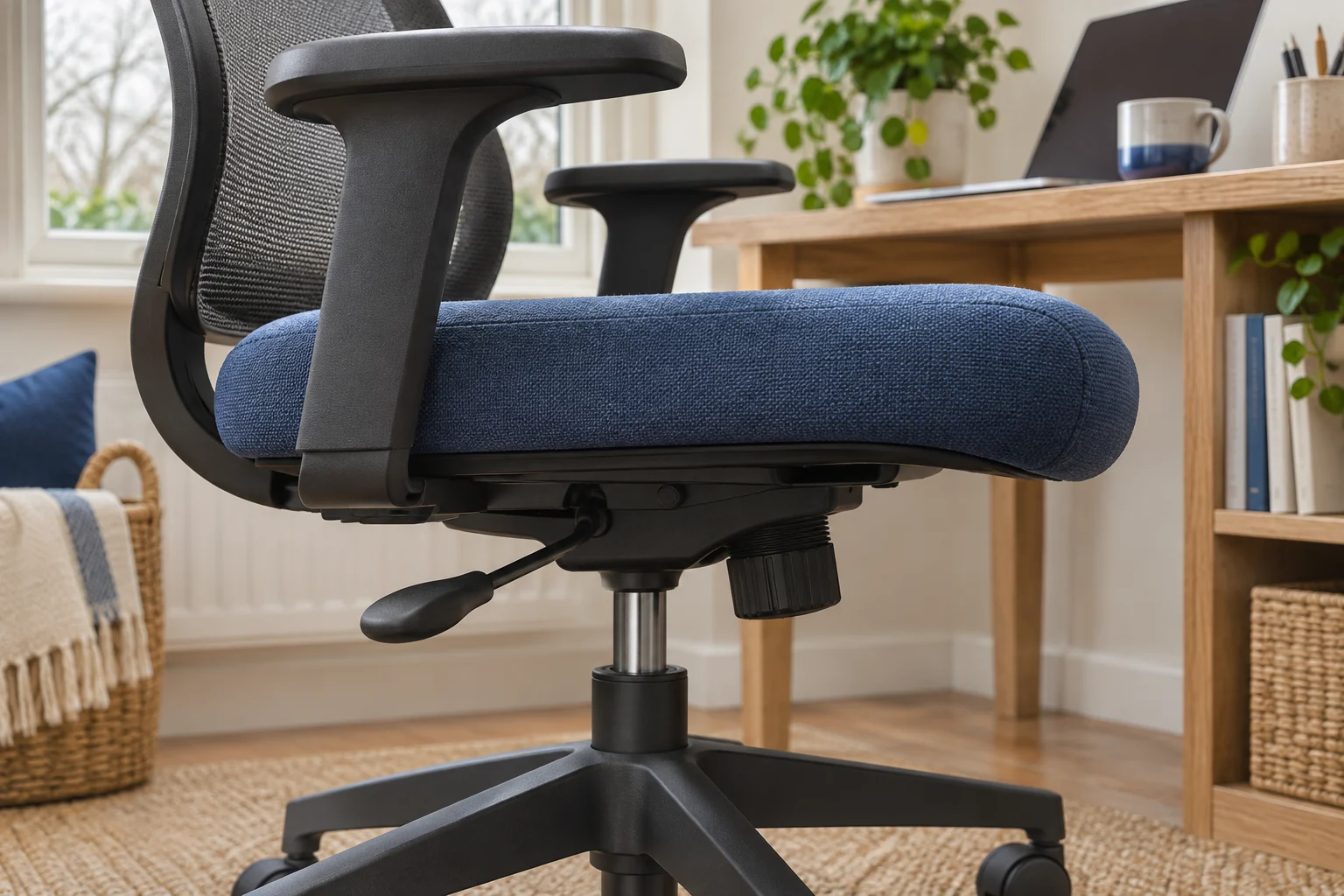
The fit comparison
Compare the published fit limits
Steelcase publishes a usable range. SIHOO publishes the distance the seat moves. Use the same measurement points when comparing them.
Scroll across the table for every fit check.
| Model | Seat depth | Armrests | Check first |
|---|---|---|---|
| Steelcase Series 1, Onyx A lower seat with a depth slider | 42–48 cm usable, adjustable | Adjustable armrests. Check height under your desk. | Check the minimum with your back supported. |
| SIHOO B300 Pro, black For adjustable back and seat | 5 cm stated slider travel | Adjustable armrests | Confirm usable endpoints with the backrest set. |
Find your usable depth before choosing a slider
Sit back on a chair and keep your feet supported. Check the distance from the point where your back rests to the front of the usable cushion. Leave space behind the knees so the edge does not press into them and you can move your legs. If you tend to perch, find out whether you are moving forward to reach the keys or to get away from the seat edge.
Take a second reading after moving the backrest or lumbar support to your usual setting. A pronounced back support can move the place you sit relative to the front edge. Compare the same points on each chair. Ask for the manufacturer’s measurement method if a listing uses a single dimension called seat depth.
Steelcase Series 1 with published endpoints
The UK Steelcase Series 1 lists 42–48 cm of usable seat depth, with the seat adjustable. That helps when you already know you are comfortable around 44 cm. If you need a setting below 42 cm, ask to trial the exact chair and check how the maker measures its minimum.
A lower seat with a depth slider
Steelcase Series 1, Onyx
The UK Series 1 specifications list a 41 cm starting seat height and a usable depth range of 42–48 cm. A slider lets you trial the shorter setting.
Steelcase uses a standardised measuring method. Try the seat with your own footwear if you are near the minimum, and check armrest and castor fit at your desk.
- 41–52 cm seat height
- 42–48 cm usable depth
- Depth slider
Set seat height first. Move the pan according to the instructions, then sit back and check both leg support and clearance at the edge. Slide the seat in a little if it presses behind the knees. Repeat after you have adjusted the back support.
SIHOO B300 Pro with a height-adjustable backrest
The black B300 Pro has a listed 5 cm of seat-depth travel and an adjustable backrest. Five centimetres tells you how far the seat moves. Ask SIHOO for the shortest and longest usable positions, and where those measurements start, if your target is near either end.
For adjustable back and seat
SIHOO B300 Pro, black
The B300 Pro has a seat-depth slider and a backrest that can be adjusted for height.
Ask for the shortest and longest usable depths measured with the backrest set as you will use it.
- 5 cm stated seat travel
- Height-adjustable backrest
- Multi-position armrests
Try the depth after setting the backrest and lumbar position. Check that you can reach the controls and lock the seat as instructed. Recheck the gap behind your knees when you sit back at your keyboard. The front of the cushion should support part of your thighs while leaving room to move.
Check the slider and armrests as a pair
At a shared desk, record the seat height, depth and backrest for each user. Different combinations can bring the armrests into contact with a drawer or leave the mouse too far away. Try both settings under the actual desk. Check that the seat returns to a locked position after each adjustment.
Keep the measurements with the chair model and variant. If you are buying used, ask the seller to show the slider moving and locking, then request a tape measure photo at each end. Check whether a missing lever or damaged lock changes how the chair can be adjusted.
Common questions
Is a seat-depth slider the same as an adjustable backrest?
A slider changes the seat’s position. Backrest settings can change your usable depth as well, so measure them together.
How much slider travel do I need?
Start with your usable depth target. Check that the chair’s measured range includes it before comparing travel.
Which chair lists both ends of the range?
The UK Steelcase Series 1 lists 42–48 cm of usable depth. SIHOO states 5 cm of travel for the B300 Pro.
Should I set seat depth or height first?
Start with height and supported feet, then set depth and check the position again after adjusting the backrest.
How can two people share one chair?
Record separate height and depth settings and test both against the desk opening and keyboard position.
Sources and selection
Sources and Amazon UK listings checked in November 2026. This guide uses published specifications and fitting guidance.