Skip to content

01 · SCREEN FIT

Monitor arms

Compare single, dual and specialist monitor arms. Check screen weight, VESA fit, desk attachments and movement before choosing a UK model.

Updated November 2026

A good place to begin

What are you working on?

Choose the situation closest to yours, or browse the full guide collection below.

Featured · Buying guide

Monitor arms for shallow desks

If the wall or keyboard is already close to the screen. Three UK mounts compared by rear gap, weight and clamp fit.

Read the guide
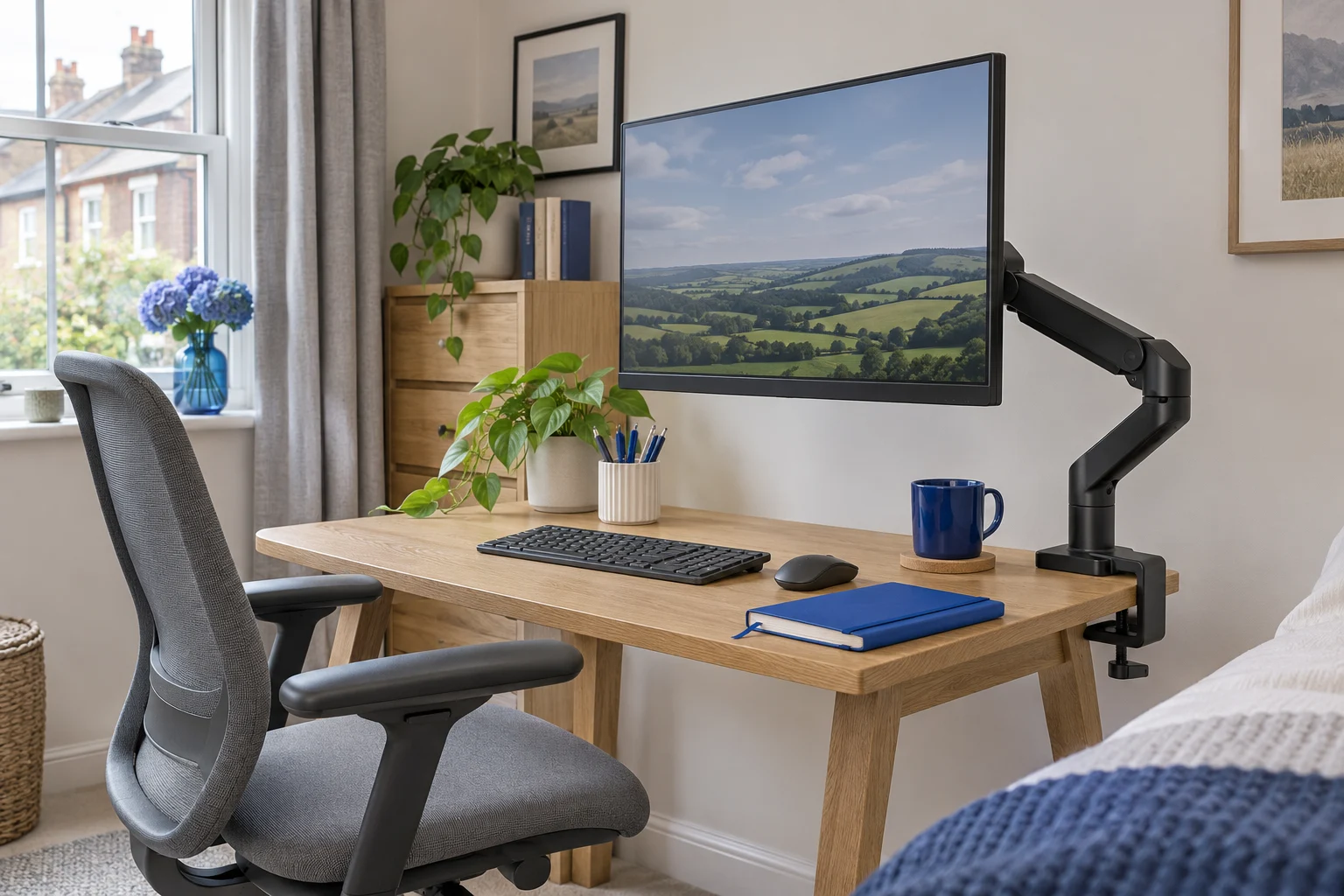
Monitor on a single arm above a compact desk with a separate keyboard

Before you choose

Three checks, five minutes.

Check 01

Start with the screen

Look up its weight without the stand and measure the mounting holes across and down. Check whether the plate must fit into a recess.

Check 02

Then look under the desk

Use a torch along the rear edge. Check the desktop material, clamp landing area and any rail, drawer or tray in the way.

Check 03

One screen or two?

Measure each screen and sketch the widths side by side. Check where each base could sit and how the joints will fold.

Browse by task

Monitor-arm guides

29 guides, organised to help you choose, measure and set up your space.

29 guides shown

Choose an arm

Compare the number and shape of your screens with each mount’s support and movement.

10 guides

Measure and mount

Measure screen and desktop compatibility before deciding how to attach the arm.

9 guides

Position and troubleshoot

Find practical checks for position, spring balance, tilt, wobble and cable slack.

10 guides

Practical advice

Plan the movement as well as the load

With one screen, an offset clamp may let the elbow fold along the desk while the screen stays centred. For two, sketch each screen’s width and the positions each arm needs to reach. Keep room for the plugs and a relaxed loop of cable at every moving joint. The two single arms or one dual guide helps you compare the attachment area and movement.

A supported weight range does not settle the tilt load of a deeply curved screen. Ask the arm maker to confirm the exact monitor when the display is unusually deep or heavy. Use the curved-screen tilt checks if the display keeps tipping forward.

Use the shallow-desk guide to compare the three mounts and try the fit finder. For the screen’s holes and mounting plate, follow the VESA measurement guide.

From the buying guide

A single-screen option to compare

The MX200 covers compatible 19–32-inch screens within its 2–9 kg published range. Check VESA fit, the desktop attachment and the space for the rear joint before choosing.

An everyday adjustable screen

Invision MX200

The gas-assisted arm suits a single compatible screen you move between tasks. It frees the desk from a broad stand and gives you a choice of edge clamp or through-desk fixing.

Check before you buy

A centred clamp can leave the elbow in the way of the wall. Check whether the clamp can sit to one side while keeping the screen centred. Match the fitting diagram to the base supplied.

  • 19–32″
  • 2–9 kg
  • VESA 75 × 75 or 100 × 100 mm
See on Amazon UK
Compare single monitor arms

Common questions

Common monitor-arm questions

What should I measure before choosing a monitor arm?

Record the exact screen model, weight without its stand, VESA pattern and plate recess. Then measure the desktop attachment area and the space needed for the arm and cables.

Can one arm hold any screen below its weight limit?

No. Size, minimum load, curvature, mounting pattern, tilt-head compatibility and the desktop attachment are separate checks.

What if my desk cannot accept a clamp?

Check whether an approved through-desk fixing is possible. Otherwise compare the original stand or a compatible freestanding mount, allowing for the base footprint and complete load.

Do I need a different mount for two monitors?

Measure both screens separately, including their widths, weights and mounting patterns. Compare a dual mount with two single arms using the attachment area and movement each arrangement needs.

Can I keep using the same arm after replacing my screen?

Check the new screen’s complete mounting requirements against the arm’s exact model and revision. Include minimum load, screen size, plate clearance and tilt compatibility.

Back to all guides