
02 · SURFACE FIT
Desks
Compare compact and standing desks for UK home offices. Check usable depth, working height, chair clearance and the room footprint before buying.
Updated November 2026
A good place to begin
What are you working on?
Choose the situation closest to yours, or browse the full guide collection below.
Find a compact desk
Compare the usable top, storage and chair opening for a small room.
Read the guide Buying guidePlan a standing setup
Check working height, frame clearance, stability and the cable route.
Read the guide Measurement guideWork out the depth you need
Lay out the screen, keyboard and mouse before choosing a worktop.
Read the guideFeatured · Buying guide
Compact desks for small rooms
Compare 100 cm and 105 cm compact desks by worktop depth, chair opening and storage. Measure the space for the chair, cables and drawers before buying.
Read the guide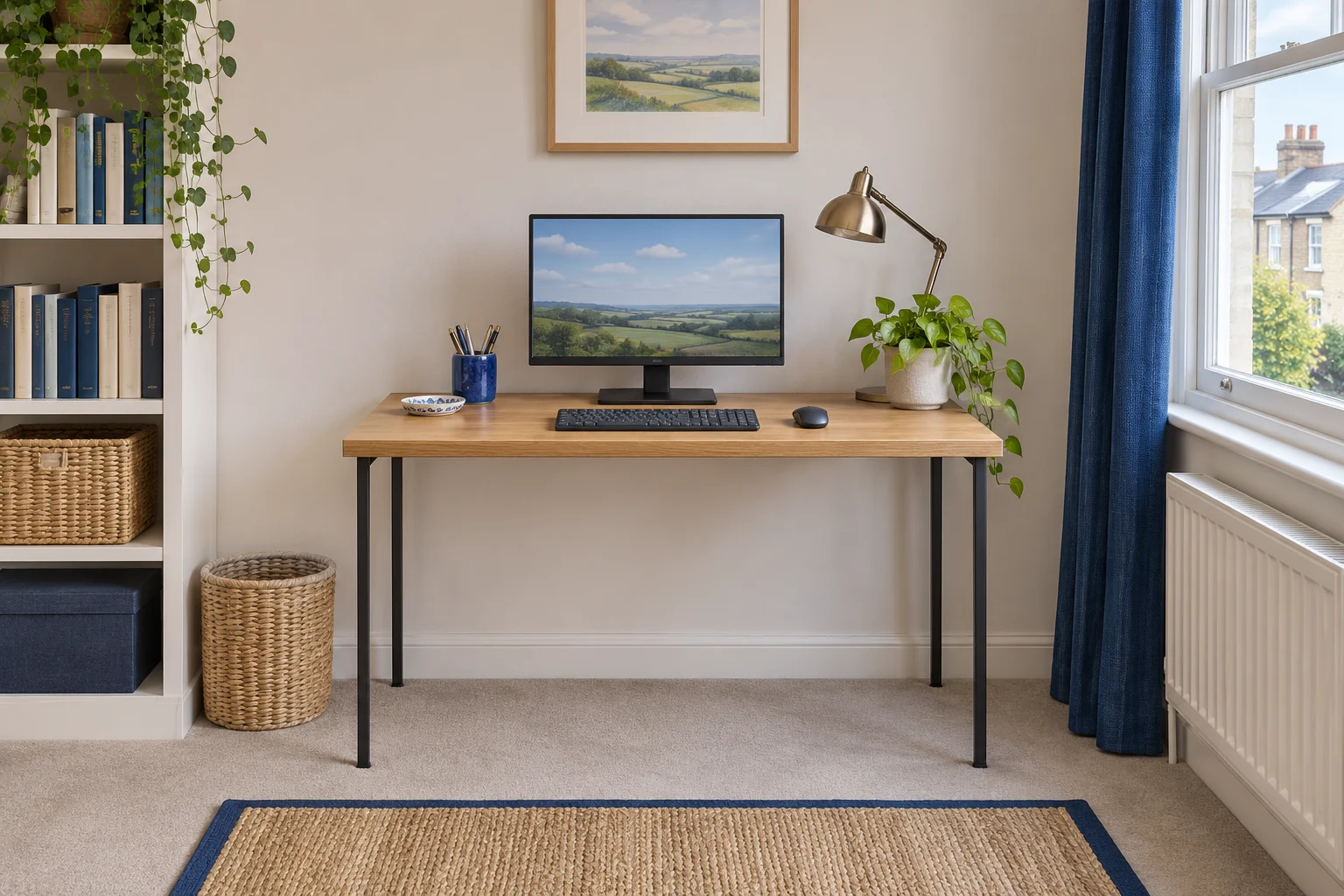
Before you choose
Start with the space you have.
Mark the footprint
Measure between furniture and skirting boards, then mark the proposed front edge on the floor.
Lay out the kit
Place your screen, keyboard and mouse on a table. Measure the depth that lets you use them comfortably.
Check below the top
Record the lowest rail or drawer, the gap between the legs and the space for your chair to pull back.
Browse by task
Desk buying and setup guides
24 guides, organised to help you choose, measure and set up your space.
24 guides shown
Choose a desk
Compare room footprints, usable worktops, storage and the chair opening.
Compact desks for small rooms
Read the guide Buying guideCorner desks for small rooms
Read the guide Buying guideSmall desks with drawers
Read the guide Buying guideFolding desks for shared rooms
Read the guide Buying guideWall-mounted drop-leaf desks for small rooms
Read the guide Buying guideTwo-person home office desks
Read the guide Buying guideDesks for a laptop and a second screen
Read the guideStanding desks
Check height ranges, frame choices and controls for the way you work.
Standing desks for home offices
Read the guide Buying guideCompact standing desks
Read the guide Buying guideStanding-desk frames for an existing worktop
Read the guide Buying guideManual crank standing desks
Read the guide Buying guideStanding desks for shorter users
Read the guide Buying guideStanding desks for taller users
Read the guideMeasure, set up and maintain
Measure first, then plan delivery, attachments, cables and everyday adjustments.
Choose a desk height
Read the guide How-toHow deep should your desk be?
Read the guide How-toHow to measure under-desk clearance
Read the guide How-toCan your desktop take a monitor-arm clamp? Material and fixing checks
Read the guide How-toHow to measure doorways and turns for desk delivery
Read the guide How-toWhat a standing desk’s weight rating includes
Read the guide How-toHow to route standing-desk cables
Read the guide How-toWhy a desk wobbles at standing height
Read the guide Buying guideDesk grommets and inserts for cable access
Read the guide How-toHow to level a desk on carpet or hard flooring
Read the guide How-toStanding desk controls and memory presets
Read the guidePractical advice
Measure the space you can actually use
Measure the narrowest point between the walls or furniture, including skirting boards. Mark the front edge of the proposed desk on the floor. Open the door and pull your chair back from that line to see what it will feel like to get up. Check the delivery route and turns separately from the finished desk footprint.
Work out the depth from your kit
Lay out your keyboard, mouse and screen stand on a table before you order. Measure how far back the stand needs to sit for you to see the screen comfortably. Allow for plugs, any overhang and the depth a raised shelf takes away. Follow the usable desk-depth guide to trial the whole arrangement.
Check the space under the top
Measure to the lowest drawer, apron or rail. That's the height your thighs and armrests have to clear. For a sit–stand desk, check the quoted range includes the top and allow enough cable slack at its highest position.
If you plan to fit a clamp, start with monitor arm compatibility. If the chair is already chosen, use the chair clearance checks to make sure it can pull in.
Common questions
Common desk questions
Should I choose desk width or depth first?
Mark the room footprint and trial the equipment arrangement together. Width must fit your work and room, while depth must leave a usable screen, keyboard and mouse position.
Does the listed desk height tell me chair clearance?
No. Measure below the lowest drawer, apron or rail along the chair’s route, and compare the opening width with the armrests and castor base.
Can I add a monitor arm to any new desk?
Check the exact top construction and furniture-maker guidance for concentrated attachments. An overall desk load rating alone does not approve a monitor-arm clamp.
What should I check before choosing a standing desk?
Compare the usable seated and standing height range with your working positions. Include the top thickness, space for your knees, intended equipment load and cable travel.
Can a folding desk stay set up with equipment on it?
Follow the exact model’s instructions for unloading and folding. Check the support locks, moving leaf, stored equipment and space around the desk in both positions.